

AI Course Episode Workflow: Learning Goals, Assets and Review
Prepare an approved brief, develop consistent assets and review each handoff before editing and publishing. Includes reusable prompt examples.
Define one learning objective, the prerequisite knowledge and an observable learner task. Number the source passages; separate established facts from examples. Approve an outline before drafting narration. Read the script aloud and adjust timing to the actual recording.
Prepare and review each asset
| Asset | Prepare | Review |
|---|---|---|
| Text | Approved facts, audience and constraints | Source support and wording |
| Visuals | References, aspect ratio and protected details | Text, identity and composition |
| Optional motion | Approved frame and one motion intent | Continuity and deformation |
| Audio | Narration, mood and cue points | Vocals, actual duration and mix |
Check the selected product and mode before submitting. Compare candidates with the same brief rather than assigning fixed quality or speed rankings. Reference input, duration and resolution options depend on the current interface.
Prompt examples
These original examples express creative targets. Counts, readable text, unchanged subjects and no-vocals instructions require output review.
Write a 12-minute lesson on How to write stable prompts: 3 learning goals, a three-part outline (problem / method / practice), voiceover beats per section, and 2 closing exercises. Senior-instructor tone. Do not promise that learning this will make money. Table output.
Compress the outline into a speakable voiceover: each section under 90 seconds, conclusion first then example, mark where to pause for a slide. No lyricism.
Landscape course cover, dark lectern and one warm spotlight, leave title space on the left, clean enough for a course-platform hero, no garbled text or watermarks.
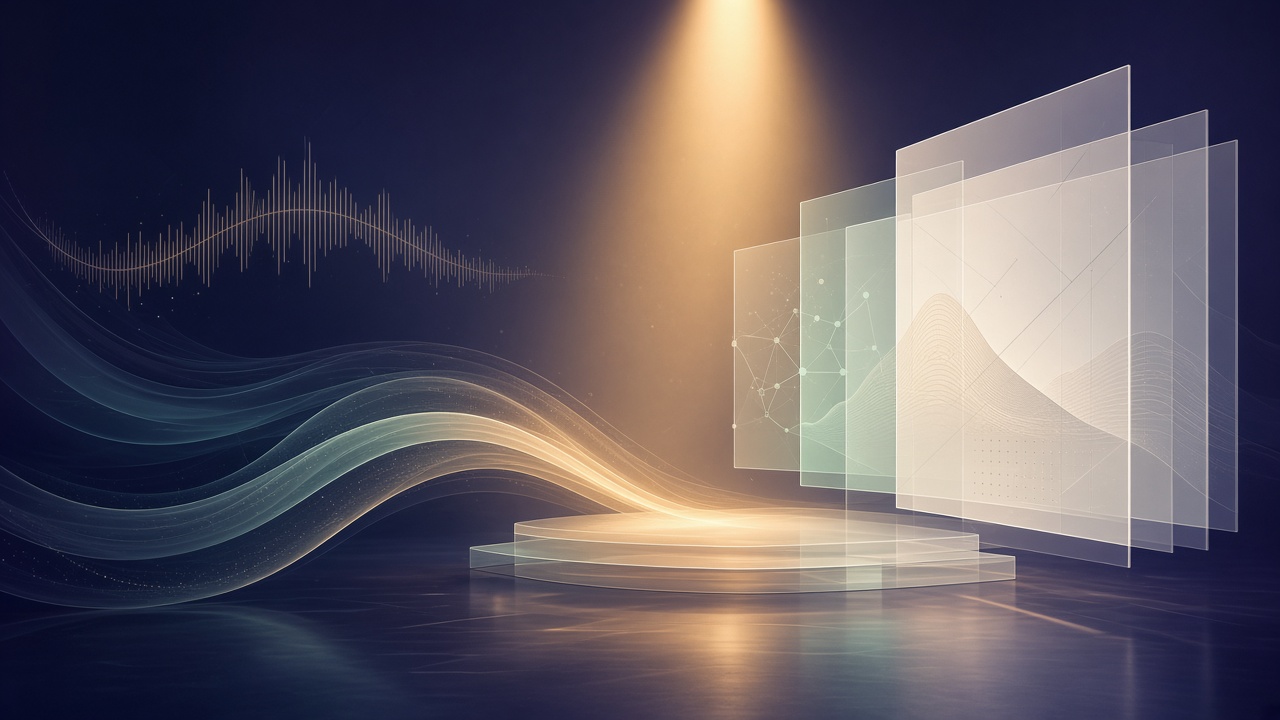
Abstract classroom diagram mood, layered translucent panels, warm spotlight, calm educational atmosphere, no logos, no readable text, cinematic but tidy.
Landscape slide card, readable title “Write the don’ts first” on top, three short lines below with whitespace, light background, no typos, warped glyphs, or watermarks.
Keep slide framing and title fixed, slow push-in toward the title, soft light breathing, no morphing, flying props, or motion that fights captions.
Calm educational intro sting, soft piano and light electronic pulse, no vocals, 12 seconds, trustworthy and unhurried, suitable under a course title card.
Three practical recipes
A: A minimum reviewable pack
Approve the brief and text, then create only the essential visual samples. Record approved versions and unresolved issues; completion time depends on generation and revisions.
B: Approved visuals to a motion edit
Use a mode that accepts the approved input. Inspect the full clip, then assemble narration, captions and music in an editor. A storyboard is not a rendered final video.
C: Adapt for a series or another channel
Reuse approved facts and asset IDs. Check lesson sequence, worked examples and an exercise against the learning objective. Do not invent learner outcomes or promise enrollment results. Review the complete export before uploading.
Final handoff
Save source references, approved assets and a change list. Listen to music under the actual narration; trim or fade as needed. Download, edit and upload explicitly; model switching does not automatically assemble or publish a project. Check current prices and record actual usage rather than promising fixed throughput. No paid generation or publishing test was performed for this revision.
Related tutorials and products
- Claude Sonnet 5
- DeepSeek V4.1 Flash
- DeepSeek V4
- GPT 5.6 Sol
- Nano Banana 2
- Midjourney Image
- GPT Image 2.5
- Seedance
- Kling
- Google Veo 3.1
- Suno
- Weekly social content
- AI ecommerce listing pack
- online content pipeline
- AI workbench multi-model switching
- still to finished clip
- Suno YouTube/podcast music
- unified workbench
- Account
- Pricing
- Gemini 3.5 Flash
- Grok 4.5
- online AI browser hub
- Claude long-form and coding
- DeepSeek V4.1 Flash fast chat
- GPT 5.6 Sol getting started
- AI chat model selection
- GPT Image 2.5 polish
- Midjourney art direction
- Nano Banana 2 fast image
- AI video models comparison
- Seedance finished clips
- Kling camera motion
- Veo cinematic video
- Suno short-form BGM
- Unified workbench