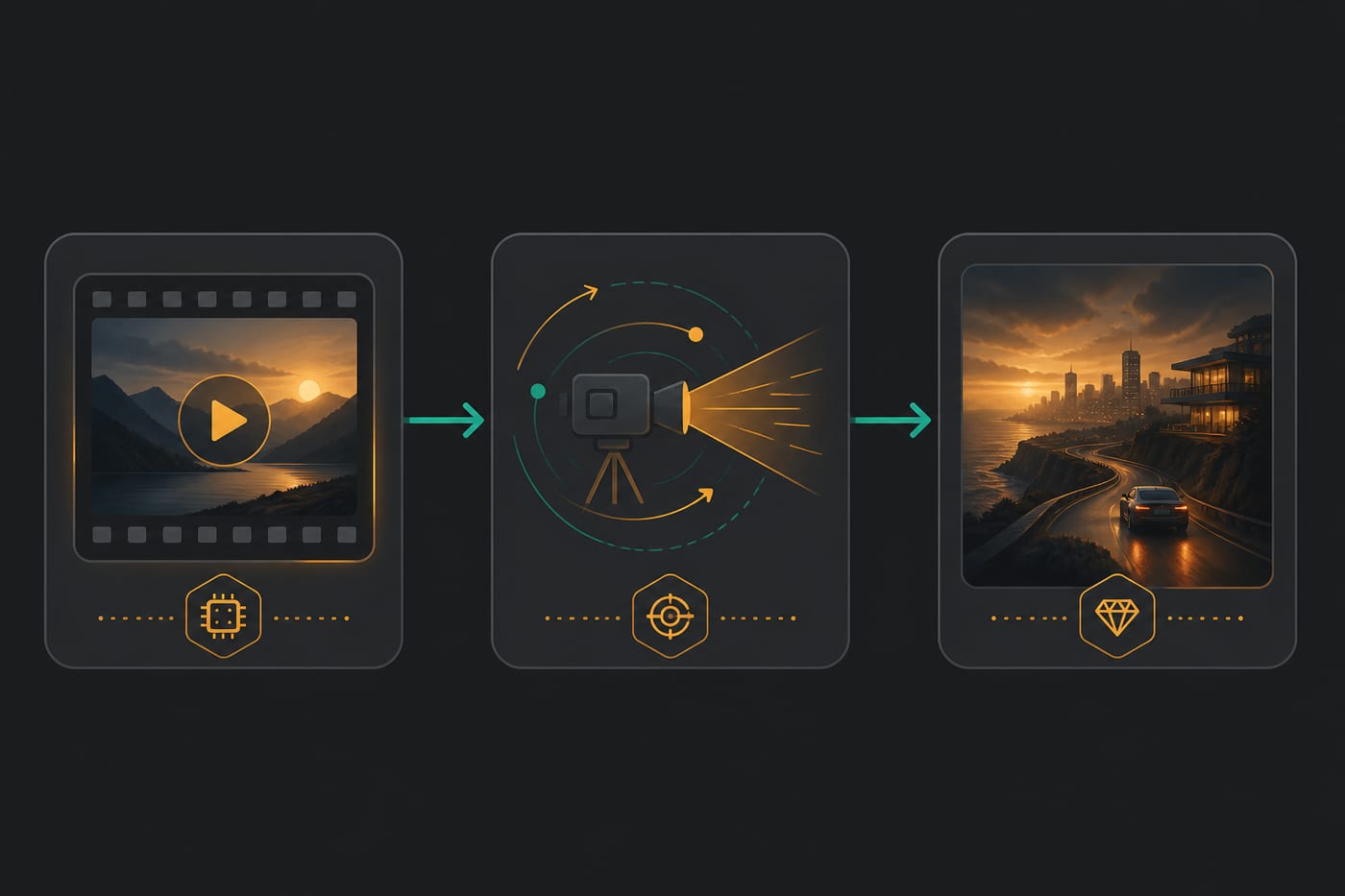
Seedance 2.0: prepare trial shots and check subject stability
Plan a Seedance test scene, choose a supported input mode, inspect motion and continuity, and compare Kling or Veo with the same shot brief.

Use this guide to prepare a Seedance 2.0 task and inspect the result. The product entry provides current entry details. Check the selected name, mode, required inputs, and cost before a trial.
Prepare the input and acceptance criteria
Specify subject, action, camera direction, lighting, and details to preserve. Check that the current mode accepts the text or images you have. Duration, aspect ratio, and reference requirements follow the form, not a historical example.
Three steps for a controlled trial
- Fix one deliverable and a checklist before submission.
- Use a matching mode and record the actual input and settings.
- Inspect the result against the checklist, then revise one factor at a time. Record failures and actual cost too.
Original prompt examples to adapt
These examples express task intent, not guaranteed features or outcomes. Seconds, readable packaging, motion, and exclusions in a prompt must be checked against current options and the actual output.
Glass serum bottle centered, slow 3/4 rotate showcase, soft studio light, clean background, stable camera, no text, no watermark, commercial ad look, about 4–6 seconds.
Night city window, slow push-in, warm lamp vs cool outdoor light, cinematic but no exaggerated shake, no close-up face, suitable as a 3-second hook before voiceover.
Based on the reference still, keep the subject stable; only a slow push-in and slight horizontal pan; do not change product shape or brand details; add few new background elements.
Keep packaging text in the reference readable; gentle tilt showcase; consistent lighting; avoid large rotates that blur type.
Ban: heavy shake, subject morphing, extra fingers, random subtitles, hard cuts, random background people.
Three practical workflows
Recipe A: one-shot product trial
Fix the subject and one movement, then choose a mode that supports your input. Inspect deformation and unwanted elements before increasing complexity. There is no guaranteed completion time.
Recipe B: approved still to motion
Check shape, composition, and text in the source still. Submit it only through a matching image mode and compare the output frame by frame. A good still does not guarantee preserved details.
Recipe C: trial to edit
Save the usable segment, brief, and settings. Compare another model only when you can state what failed. Check soundtrack against narration in the actual edit.
Compare other entries with the same criteria
Kling, Seedance, and Veo are alternatives to test against the same shot brief when inputs and settings permit. The current cross-model entries include Kling 3.0 Turbo and Google Veo 3.1. Do not reserve camera quality, cinematic style, low cost, or speed for a particular model.
| Check | What to record |
|---|---|
| Subject | Shape, count, faces, text, and packaging drift |
| Camera and motion | Agreement with direction and action |
| Continuity | Background changes, flicker, unwanted cuts |
| Fit for editing | Usable segment and consistency with the brief |
| Effort | Waiting time, actual cost, retries, and human revision |
Common issues and next steps
If a shot fails, reduce complexity and identify the failing detail before changing models. Do not assume a fixed time budget, guaranteed readable text, or an automatic style upgrade. Compare references and generated frames directly.
Image and music entries linked below support separate production stages. Midjourney currently displays Midjourney Image; inspect generated visuals and Suno audio independently of the text plan.