Use Midjourney V8.1 Online: Prompt Craft Without Discord, Art Direction, and How to Pair GPT Image 2 / Nano Banana
Built for searches like Midjourney online, Midjourney V8.1, Midjourney without Discord, and Midjourney prompts—how to use Midjourney in the BaBawu Ai browser and build a practical drawing route with GPT Image 2 and Nano Banana.
When people search Midjourney online, Midjourney V8.1, Midjourney without Discord, Midjourney prompts, MJ art, or Midjourney concept art, what they usually want is not another spec sheet, but where to generate immediately—and how Midjourney should split work with GPT Image 2 and Nano Banana.
On BaBawu Ai, open the Midjourney V8.1 product page and use Midjourney online in the browser—no separate Discord client, and no need to register multiple memberships just to try a first round of images. This article is a Midjourney hands-on guide plus drawing routing, complementary to other drawing posts on the site:
- How to choose among three drawing models: Midjourney, GPT Image 2, Nano Banana selection guide
- Step-by-step tutorial: How to use Midjourney online
- Commercial type and references: How to use GPT Image 2 online
- Localized posters and fast iteration: Nano Banana online image tutorial
- Still to finished clip: Image-to-video online guide
Which tasks should Midjourney V8.1 carry first?
Treat Midjourney as an art-direction and atmosphere entry more often than as a universal poster machine:
| Scenario | Prefer Midjourney? | Notes |
|---|---|---|
| Concept frames, mood boards, cinematic stills | Prefer | Strong light, material, and composition |
| Game key art, illustration exploration, brand tone | Prefer | Style search and prompt craft feel natural |
| HD detail and cinematic stills | Prefer | HD mode, native 2K, clearer layers |
| E-commerce heroes / info posters with clear Chinese titles | Switch to Nano Banana | Localized type and fast revisions |
| Tight reference constraints, complex intent | Switch to GPT Image 2 | Stronger intent parsing and layout control |
| Need 10 directions before converging | Good fit | SD preview for style, then HD polish |
Selection rule: define the deliverable first (mood / key art / poster type / reference lock), then pick the model—do not lock onto a brand name early.

Three steps into the online workbench
- Open the Midjourney V8.1 product intro and review capabilities, scenarios, and FAQ
- Click Use online now to enter the Midjourney tool in the BaBawu Ai workbench
- Prompt with subject + style + lighting/framing + hard constraints; when you need Chinese posters or reference lock, switch to GPT Image 2 or Nano Banana
You do not need Discord just to try Midjourney, and you do not need to bounce across multiple official accounts—one platform covers multiple models.
High-quality Midjourney prompt templates (ready to adapt)
Concept / mood board:
A seaside lighthouse wrapped in thin fog, dusk side light, cinematic widescreen, realistic but not cold, fine materials, low-saturation warm palette. No text, no watermark, no extra people.
Game key art / character atmosphere:
A figure in a trench coat at a rain-soaked neon alley, backlight silhouette, cyberpunk illustration, emphasize fabric folds and ground reflections. Half-body framing. No readable shop signs.
Brand still:
Minimal product still life: a ceramic cup on light linen, soft window light, Nordic interior, shallow depth of field. Clean negative space for a brand KV base. No logo, no text.
Storyboard atmosphere (for later image-to-video):
Aerial dusk city skyline, golden haze, motion intent of a slow push-in with drifting clouds. Produce a stable first-frame still, subject slightly below center.
Prompt polish (turn a vague idea into a paste-ready instruction):
Rewrite “a somewhat futuristic office” as a Midjourney prompt: subject, time of day, lens, light, materials, palette, hard constraints. Then give a more restrained commercial version.
Remember the order: subject first, then style, then lighting and framing, then what to avoid. Searching Midjourney prompts endlessly helps less than changing one variable per round (light or lens) so you can tell which line actually worked.
How to combine GPT Image 2 and Nano Banana
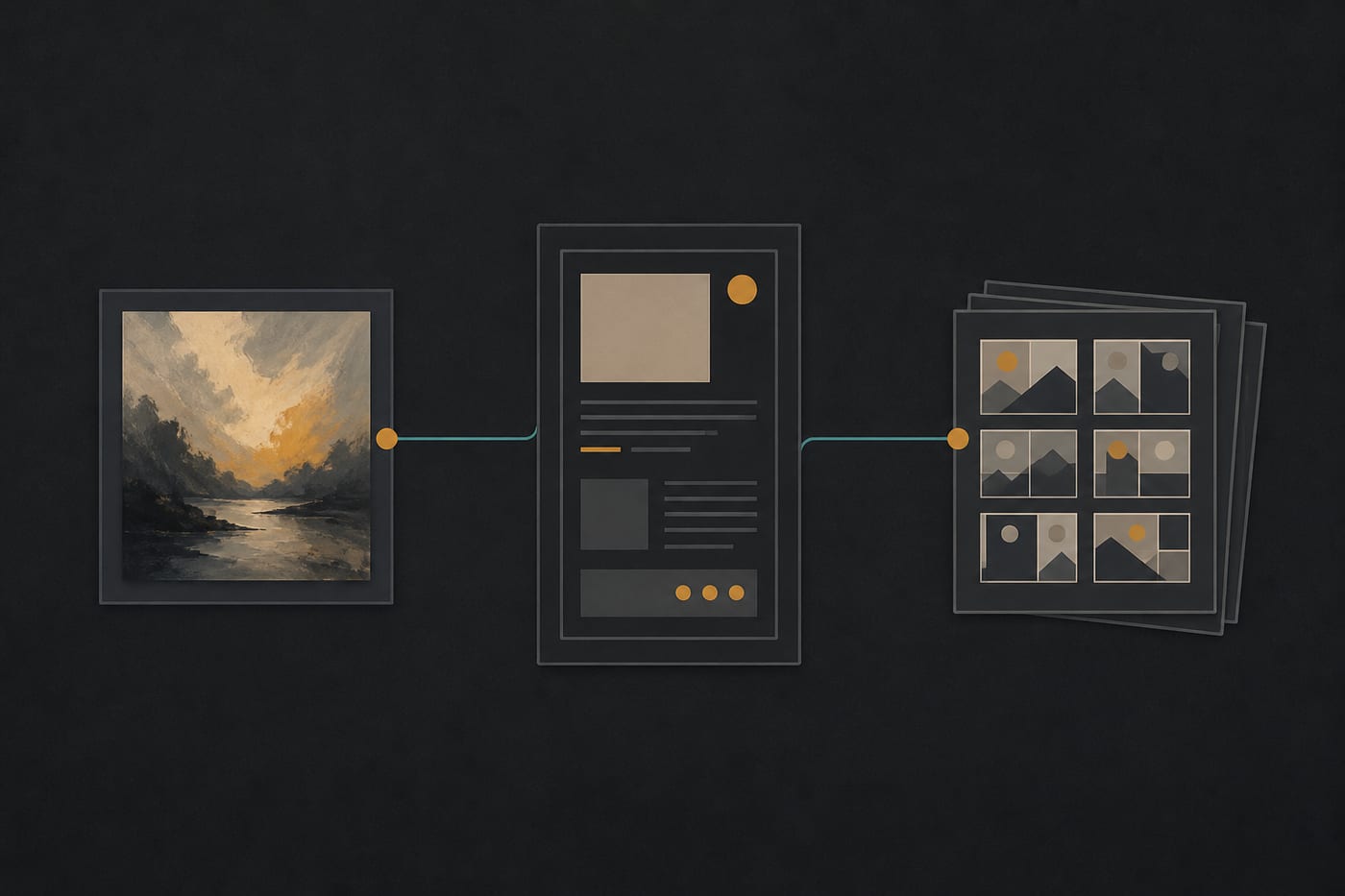
A practical route that uses Midjourney as the art-direction entry—also what many content and design teams actually run:
| Stage | Model | Why |
|---|---|---|
| Tone, concept, style search | Midjourney V8.1 | Get a frame that already “feels right” |
| Complex intent / reference lock / multilingual type | GPT Image 2 | More stable layout and explanatory frames |
| Chinese posters, fast title swaps, batch drafts | Nano Banana | Localized type and high-frequency iteration |
| Prompt completion, look-and-describe | Gemini 3.5 Flash or GPT-5.6 Sol | Turn a reference into a paste-ready prompt |
| Still to clip | Seedance 2.0 / Kling 3.0 / Google Veo 3 | Image-to-video |
| Soundtrack | Suno | Short-form BGM and openers |
Deeper comparisons: How to choose drawing models, Midjourney tutorial, GPT Image 2 tutorial, Nano Banana tutorial, Image-to-video guide, Content pipeline.
Three copyable work recipes
Recipe A: Brand mood board in half a day (40–70 minutes)
- Midjourney V8.1: explore light and materials with 4–6 prompts; keep 2 stills that feel right
- GPT-5.6 Sol or Gemini 3.5 Flash: rewrite the winners into a reusable brand-visual prompt library
- For outbound assets with Chinese titles, switch to Nano Banana; for complex layouts, switch to GPT Image 2
Recipe B: Short-form covers and hero visuals (60–90 minutes)
- Midjourney V8.1: generate a cinematic cover base (no text)
- Nano Banana or GPT Image 2: add titles, selling points, and platform safe zones
- Clips via Seedance 2.0 / Kling 3.0 / Google Veo 3; soundtrack with Suno (for voiceover beds, write no vocals). Full chain in still to finished clip and Suno short-form BGM
Recipe C: One review round for game / film concepts
- Midjourney V8.1: same scene in day / night / rain, locked camera and subject
- A chat model compiles review notes: keep, cut, what to change next round
- When characters or props must look like one set, use GPT Image 2 for reference lock; outbound posters with Chinese titles go to Nano Banana
Common mistakes
- Only asking draw something beautiful: without subject, light, lens, and hard constraints, Midjourney returns generic style. Specify the deliverable.
- One model for everything: mood and key art with Midjourney, Chinese posters with Nano Banana, complex intent and references with GPT Image 2.
- Installing Discord first just to try Midjourney: after searching Midjourney online or Midjourney without Discord, return to BaBawu Ai’s Midjourney product page and click Use online—more reliable than scattered reprints.
- Forcing dense small-type titles onto art bases: Midjourney owns the picture, not dense Chinese layout; title layers belong to the other two drawing entries.
- Commercial and sensitive assets: before ads, brand KVs, or internal references, confirm workbench plans and platform terms.
Model routing cheat sheet (hot search terms → action)
| You just searched | Click first | Next step |
|---|---|---|
| Midjourney online / Midjourney V8.1 / Midjourney without Discord | Midjourney V8.1 | Concept, key art, art direction |
| Midjourney prompts / MJ art / Midjourney concept art | Midjourney V8.1 | Generate from templates and iterate |
| GPT Image / OpenAI image / commercial visuals | GPT Image 2 | References and complex intent |
| Nano Banana / Chinese posters / fast images | Nano Banana | Title layers and batch drafts |
| How to choose AI drawing | Drawing selection guide | Deliverable first, then model |
| Seedance / Kling / Veo / image-to-video | Image-to-video guide | Still to finished clip |
| Suno online / AI music | Suno | BGM and songs |
| DeepSeek / GPT / Claude / Gemini / Grok | Chat selection guide | Copy and prompt polish |
Summary
To convert product searches like Midjourney online, Midjourney V8.1, Midjourney without Discord, and Midjourney prompts, land the intent on executable actions: open the product page → understand the scenario → enter the workbench → switch to GPT Image 2 / Nano Banana by task.
Try a minimal loop today:
- Open Midjourney V8.1 and paste a real brief with subject, light, and hard constraints
- Generate 2–3 tone-setting stills, changing only one variable between rounds
- Switch to Nano Banana for Chinese titles; switch to GPT Image 2 for references or complex layouts
- For clips and soundtracks, continue with on-site video models and Suno
Let BaBawu Ai be the shared drawing entry behind Midjourney / GPT Image / Nano Banana search terms—closer to real image throughput than bookmarking a single Discord server name.