

Midjourney
AI Drawing · Ready online
Midjourney Image - AI art and style exploration online
AI art and style exploration
Use Midjourney Image through BaBawu Ai in your browser to prepare image drafts for concepts, game art, or brand visuals.
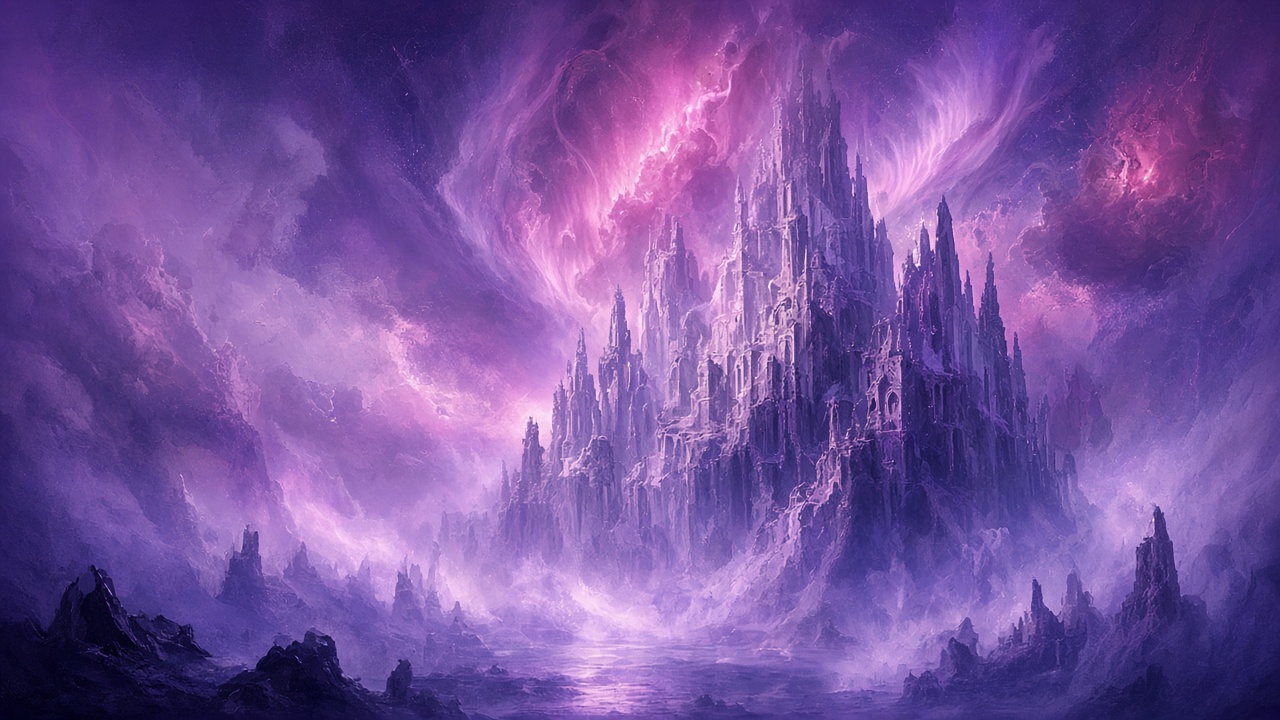
Midjourney Image Key Highlights
- Explore artistic styles and visual directions
- Check inputs and quality settings for the current mode
- Iterate against actual outputs
Midjourney Image
Try it
Uses Midjourney Image. Review your settings in the full workbench before generating.
Get Started in Three Steps
Simple flow to get started with Midjourney Image
Learn the model
On this page, explore Midjourney Image's strengths, use cases, and FAQ
Open the online workbench
Click "Use Online Now" to go to the BaBawu Ai workbench—no client signup
Enter a prompt and create
In the browser, enter a creative description or upload a reference image to generate quality work
Model Overview
Learn Midjourney Image's positioning and platform advantages
Use Midjourney Image through BaBawu Ai in your browser to prepare image drafts for concepts, game art, or brand visuals.
No Discord client installation or personal API setup is required. Check the current catalog for available modes, input requirements, quality options, and costs before submitting.
Describe the subject, composition, and style to preserve, then iterate from actual results. This historical URL is retained; its version label does not promise resolution or quality improvements.
Quick Overview
- Model Name
- Midjourney Image
- Developer
- Midjourney
- Category
- AI Drawing
- Usage
- Use online · No download
Core Capabilities
Midjourney Image's key technical features for efficient creation
Image creation
Describe the subject, composition, lighting, and visual style, then inspect the actual output.
Reference images and edits
If the selected mode offers image input or editing, follow the current form and specify what to keep and change.
Quality settings
Review current mode and quality options before starting; historical version names do not establish output resolution.
Result review
Inspect subjects, textures, and text. Check dimensions against delivery requirements before revising individual issues.
Use Midjourney Image online
No download—open in browser and go
Use Cases
Midjourney Image excels in these scenarios for professional creative needs
Artistic creation
Use Midjourney Image online to Generate related assets
Concept design
Use Midjourney Image online to Generate related assets
Game concept art
Use Midjourney Image online to Generate related assets
Brand visuals
Use Midjourney Image online to Generate related assets
Core Advantages
Choose Midjourney Image for these differentiators
- 1
Explore artistic styles and visual directions
- 2
Check inputs and quality settings for the current mode
- 3
Iterate against actual outputs
- 4
Use online without a Discord client
Why Midjourney Image?
AI art and style exploration
Ready to experience?
Create online now · Midjourney Image
No client download—click to enter the BaBawu Ai workbench and generate with a prompt
Use Now Midjourney ImageGo to BaBawu Ai workbench · Opens in new window
Why use Midjourney Image on BaBawu Ai?
Instead of installing separate clients, experience world-leading AI models in one browser
Generate in the browser
No Discord or desktop client—create on the web
Instant access
No API key or complex setup—log in and start
Multi-model in one place
GPT Image, Midjourney, and more on one platform
Stable and reliable
BaBawu Ai provides stable online service for smooth creation
FAQ
Common questions about using Midjourney Image online
Do I need the Discord client?
No. Use Midjourney Image through BaBawu Ai in your browser.
Which version and resolution does this historical URL provide?
The current catalog display name is Midjourney Image and the historical URL is retained. Modes, quality settings, and output dimensions depend on the current service and generated results, rather than the historical version label.
How should I prepare a creative brief?
Specify the subject, framing, lighting, and intended use. For reference images, check the selected mode requirements first. Review actual output against delivery criteria.
More questions? Jump into the workbench and try it
Use Now Midjourney ImageMore AI Drawing Models
Explore other top models in the same category
GPT Image 2
OpenAI flagship image model · Built-in reasoning
GPT Image 2.5
Online images · References and revision checks
Nano Banana 2
Online images · Material and text checks
Use Midjourney Image online now
Go to the BaBawu Ai workbench—no client download, open your browser and start
Use Online Now