

Image-to-Video Online Guide: Midjourney / GPT Image 2 / Nano Banana Stills, Then Seedance 2.0, Kling 3.0, Google Veo 3 Clips
Built for searches like image-to-video, AI video online, Midjourney to video, Seedance 2.0, Kling 3.0, Google Veo 3, GPT Image 2, and Nano Banana—a full still-to-clip workflow and selection path on BaBawu Ai.
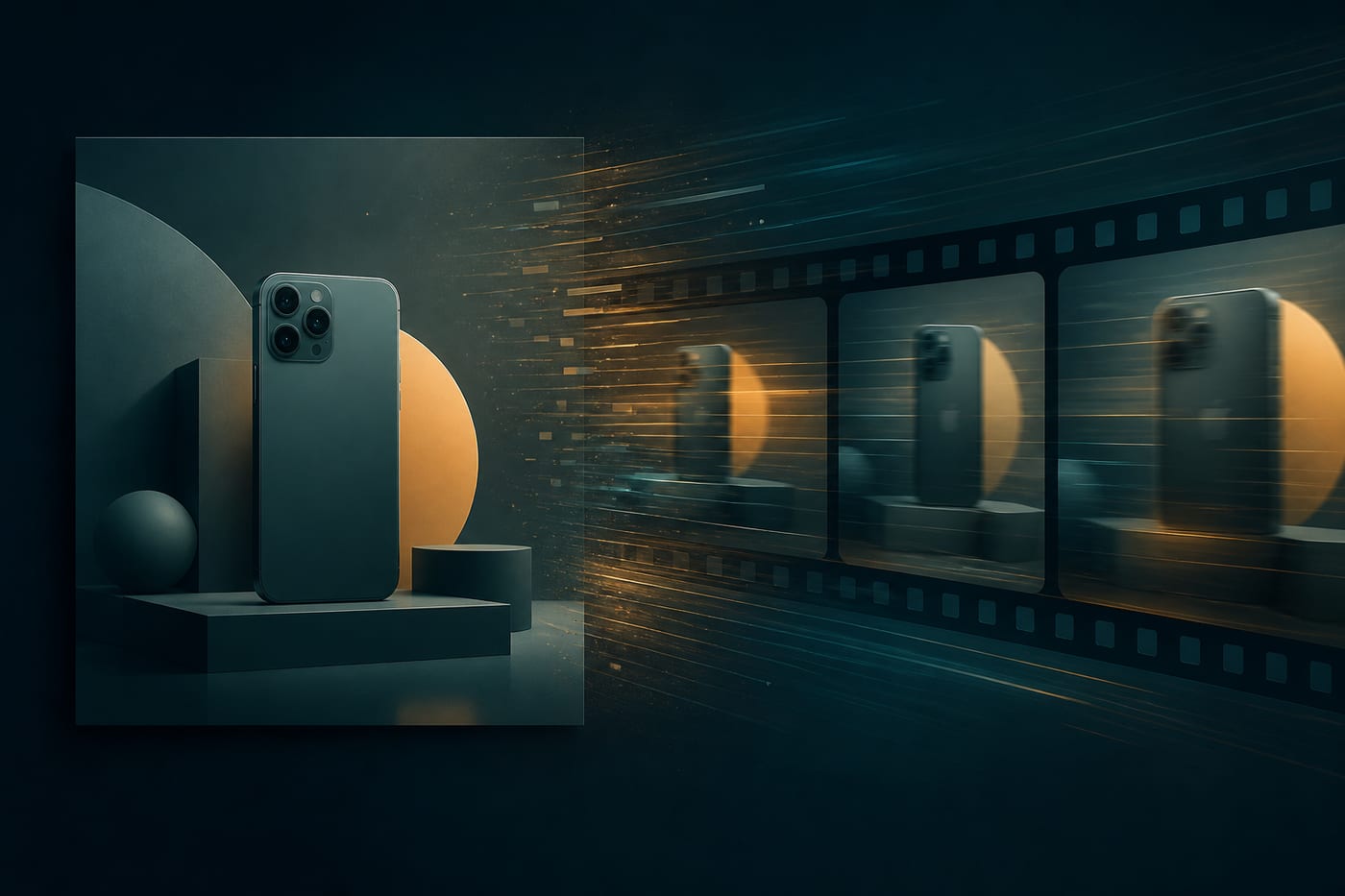
When people search image-to-video, how to make AI video, Midjourney to video, Seedance 2.0 image-to-video, Kling 3.0 online, Google Veo 3, GPT Image 2 product shots, or Nano Banana fast images, what creators usually struggle with is not whether a model exists, but which AI drawing model should lock the still first, which AI video model should add motion next—and whether the full path can run in one browser.
On BaBawu Ai, you can generate keyframes in the drawing workbench with Midjourney V8.1, GPT Image 2, or Nano Banana, then switch to the video workbench for image-to-video with Seedance 2.0, Kling 3.0, or Google Veo 3—all online, without downloading a separate client for every model.
This article is a still to finished-clip workflow guide, complementary to the selection posts: drawing choices in AI drawing model comparison, video choices in AI video model comparison, and script plus soundtrack stitching in short-form / ecommerce content pipeline.
Why image-to-video is often stabler than pure text-to-video
For ecommerce heroes, brand posters, character sheets, and product demos, locking composition and subject first, then adding motion, is usually more controllable than gambling a whole clip on one sentence:
| Path | Strength | Common risk |
|---|---|---|
| Pure text-to-video | Fast start; good for mood and atmosphere shots | Subject drift; brand details unstable |
| Image-to-video | Composition, product shape, and character look can be approved first | Bad reference stills make motion fail too |
| Text + image mix | Text-to-video for mood tests, then image-to-video for the locked subject | You must mark which frame is the master reference |
Selection rule: if a still can be approved, do not put your first acceptance test on the full video.
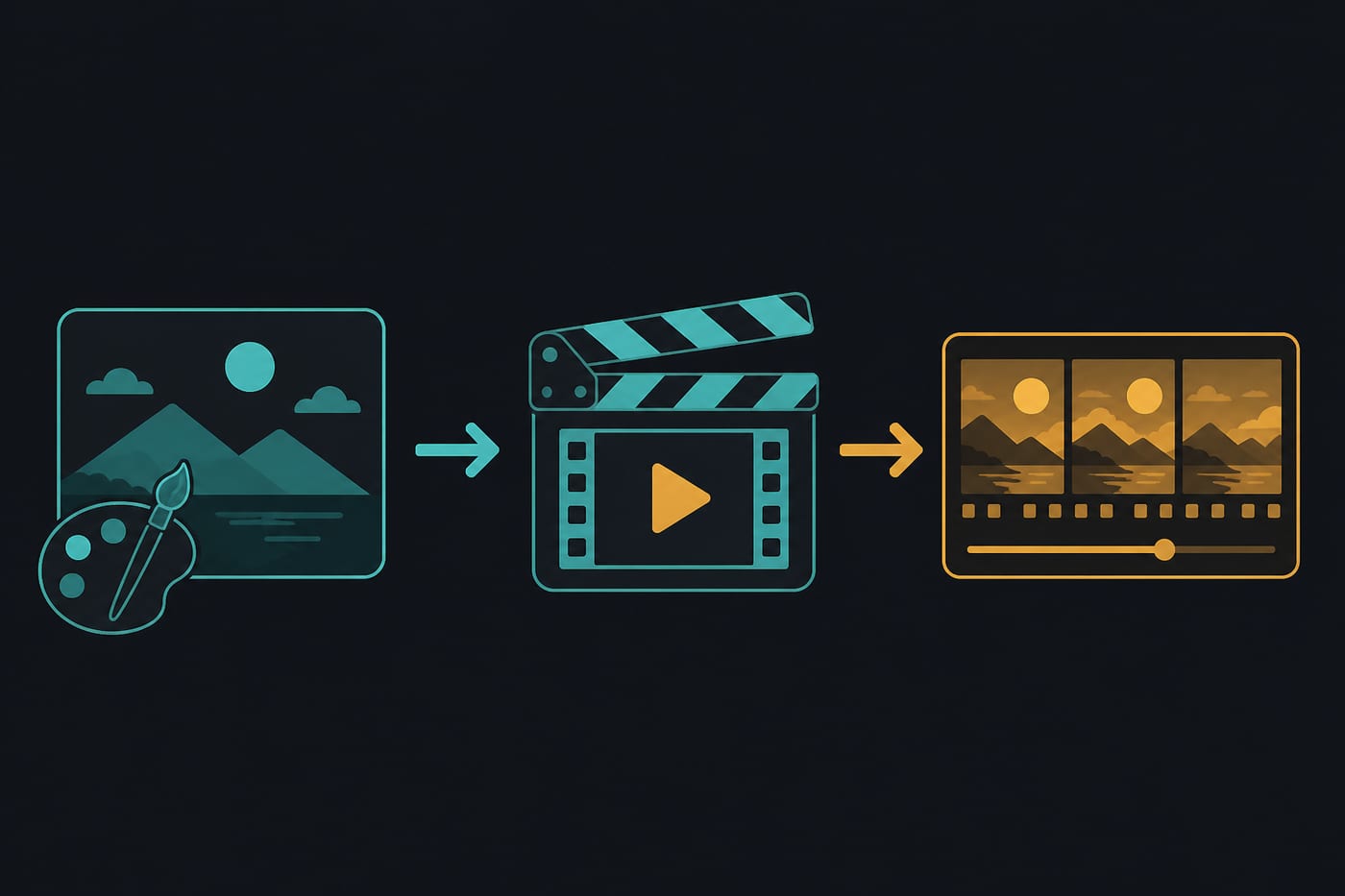
Step 1: Pick the right AI drawing model for video-ready stills
Image-to-video inherits reference quality. Blurry, warped-perspective, tiny-subject, or unreadable-text stills are hard to rescue later with Seedance, Kling, or Veo.
Midjourney V8.1: prioritize art direction and concept visuals
Best for people searching Midjourney online, Midjourney V8.1, AI cover art, or concept design.
Better as an image-to-video reference when you need:
- Short-form covers, brand mood films, character/scene look development
- Stronger lighting and artistic tension for opening shots
- A director lookboard before deciding camera motion
Lower priority when you need:
- Ecommerce heroes with crisp multilingual text (try GPT Image 2)
- Ultra-fast batch composition tests (try Nano Banana)
Entry: Midjourney V8.1 product page.
GPT Image 2: prioritize commercial heroes and text rendering
Best for people searching GPT Image 2, GPT image generation, AI ecommerce hero, or AI poster text.
Better as an image-to-video reference when you need:
- Bottles, packaging, UI frames, and other subjects with clean edges
- Stills that include short copy, price bars, or promo text
- Later gentle camera moves / product showcase image-to-video
Lower priority when you need:
- Strong illustration / fantasy concept looks (Midjourney often fits better)
- Second-scale idea spraying (Nano Banana is faster)
Entry: GPT Image 2 product page.
Nano Banana: prioritize speed and batch exploration
Best for people searching Nano Banana, fast AI images, or batch image generation.
Better as an image-to-video reference when you need:
- Multi-angle / multi-background drafts of the same product
- Filtering which composition deserves video before polishing
- Short-cycle campaigns that need many candidate stills
Lower priority when you need:
- Final-clip art finish (polish on Midjourney)
- Ultra-sharp on-image text (polish on GPT Image 2)
Entry: Nano Banana product page.
Still acceptance checklist (required before video)
- Subject is large enough—do not park the hero in a tiny corner
- Edges are clean—avoid heavy motion blur (add that in the video stage)
- Background is not overly busy—busy frames make image-to-video wiggle more
- Text is readable (if the still includes text); if not, regenerate in drawing first
- One master reference + a clear motion intent—do not cram conflicting elements
Step 2: Pick the AI video model by shot goal for image-to-video
With an approved still, switch by task inside BaBawu Ai video category—do not bookmark only one best video model.
Seedance 2.0: prioritize finished-clip entry and general image-to-video
Best for people searching Seedance 2.0, Seedance image-to-video, or AI video online finishing.
Better fit:
- Turning an approved still into a publishable short shot / product motion
- Needing a default finished-clip entry to see motion quickly
- First-pass tests for ads, product demos, and animated short-form covers
Lower priority when:
- You have already validated that Kling or Veo matches a specific motion style better
Entry: Seedance 2.0 product page.
Kling 3.0: prioritize motion performance and camera feel
Best for people searching Kling 3.0, Kling AI, or Kling image-to-video.
Better fit:
- Light character performance, push-ins, and mood camera moves
- Motion that feels more like camera language than sticker jitter
- Short-drama / narrative-leaning test clips
Lower priority when:
- You only need the fastest still-can-move acceptance (start with Seedance)
- You specifically want a Google-ecosystem finishing look (try Veo 3)
Entry: Kling 3.0 product page.
Google Veo 3: prioritize high-quality shots and brand feel
Best for people searching Google Veo 3, Veo 3 online, or Veo image-to-video.
Better fit:
- Brand-ad look and higher lighting / texture demands
- High-quality stills that want restrained, cinematic motion
- Tests aligned with premium finished clip search intent
Lower priority when:
- You need high-volume low-cost exploration (run Nano Banana + Seedance first)
- You only need lightweight motion for short-form talking-cover styles
Entry: Google Veo 3 product page.
Scenario matrix: still model x video model
| Your task | Prefer still | Prefer image-to-video | Notes |
|---|---|---|---|
| Soft product rotate / showcase | GPT Image 2 | Seedance 2.0 | Lock packaging detail first |
| Brand mood-film open | Midjourney V8.1 | Veo 3 or Kling 3.0 | Art direction to cinematic feel |
| Short-form cover that moves fast | Midjourney or Nano Banana | Seedance 2.0 | Speed first |
| Light character performance | Midjourney | Kling 3.0 | Keep face detail sharp in the still |
| Promo poster with text, then micro-motion | GPT Image 2 | Seedance 2.0 | Approve text in the still |
| Mass composition screening, then polish | Nano Banana to Midjourney/GPT Image | Seedance test to Kling/Veo polish | Two rounds; do not demand perfection in one |
Recommended workflow: ship one clip in about 15 minutes on BaBawu Ai
- Write the shot goal (chat models help): in DeepSeek V4, GPT-5.6 Sol, or Claude Opus 4.8, specify subject, motion, duration feel, and hard constraints.
- Generate 3–6 stills: Nano Banana for breadth, then Midjourney / GPT Image 2 for the master.
- Pass the still checklist: subject, edges, background, text, motion intent.
- Image-to-video pass 1: Seedance 2.0 to see whether motion holds.
- Polish by style: camera feel to Kling 3.0; brand texture to Google Veo 3.
- Need BGM: connect Suno (see also Suno short-form BGM guide).
For multimodal prompt polishing, Gemini 3.5 Flash can expand motion descriptions from a reference still; for technical quick asks, pair Grok 4.5.
Common mistakes
- Mistake 1: Forcing image-to-video from a low-res screenshot
Blurry references make blurrier clips. Regenerate in the drawing workbench first. - Mistake 2: Overcrowded stills plus aggressive camera moves
More elements means motion collapses sooner. Busy frames should start with gentle push/pull. - Mistake 3: Hoping video will luck into readable text
Readable type must already pass on GPT Image 2 (or similar) stills. - Mistake 4: Bookmarking only one strongest video model
Seedance, Kling, and Veo win different jobs—just like Midjourney / GPT Image / Nano Banana. Switch by task. - Mistake 5: Skipping chat scripting, then random stills plus random clips
Without a shot goal, hot model names just idle. Write the motion intent with a chat model first.
Summary
If you are searching image-to-video online, Midjourney to video, Seedance 2.0, Kling 3.0, Google Veo 3, GPT Image 2, or Nano Banana, split the problem in two: approve the still with drawing models, then add motion with video models. On BaBawu Ai, you can switch by task in the browser from Midjourney V8.1, GPT Image 2, and Nano Banana to Seedance 2.0, Kling 3.0, and Google Veo 3—so popular model names serve get the still right, then finish the clip, not the other way around.