

AI Content Workflow: Script, Visuals, Music and Final Review
Plan a short video or ecommerce content pack with a shared brief, source-backed script, visual prompts and music cues. Includes handoff checks and three practical recipes.

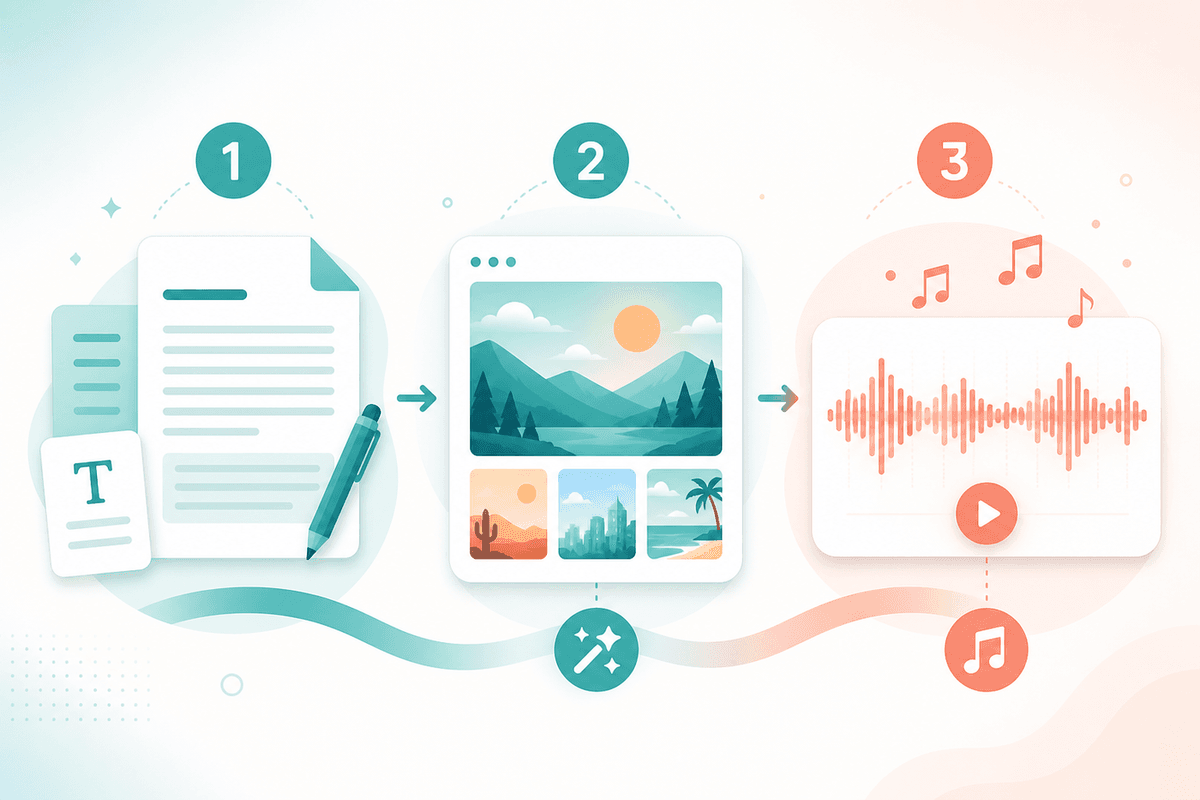
A short video or ecommerce asset pack needs a shared brief before it needs several models. This workflow connects source-backed writing, visual drafts, optional motion and music through explicit handoffs. The example deliverable is a 15–45-second edit with one cover; the duration is a planning target, not a generation guarantee.
Define the content pack and its evidence
Write down the audience, channel, aspect ratio, approved product facts, call to action and delivery format. Number source excerpts and reference images. Keep unknown prices, unsupported benefits and missing specifications out of the draft. A pasted URL is not evidence that a model has opened the page: check available web tools or supply the relevant text yourself.
| Handoff | What to pass forward | Check before continuing |
|---|---|---|
| Brief to script | Approved facts, reader and length target | Every claim has a source |
| Script to visuals | Shot ID, subject, composition and protected details | Product shape, labels and copy are accurate |
| Still to optional video | Approved frame and motion intent | Selected mode accepts the input; identity remains consistent |
| Rough cut to music | Mood, speech density and cue points | Music does not obscure narration |
| Assets to final edit | Approved versions, captions and usage notes | Timing, continuity and export are reviewed |
Step 1: Approve the script before generating assets
DeepSeek V4 Flash, GPT 5.6 Sol, Claude Sonnet 5 and Google Gemini 3.5 Flash are candidates for a writing task. Use the same brief and acceptance checklist when comparing them rather than treating a model family as a fixed quality or speed ranking. Split long material according to the current input limits and keep source IDs in each summary.
Ask for alternative hooks, narration, a shot list and music cues. Then check the factual claims and read the narration aloud. Timecodes from a chat response are estimates; adjust them to the recorded voiceover.
You are a short-video content planner. From the product selling points below, output: 1) 3 hook lines for the first 3 seconds; 2) a 30-second voiceover with shot timecodes; 3) 5 Chinese/English cover titles; 4) BGM mood and style tags (no lyrics). Selling points: …
Keep the approved script as a versioned document. If you revise a selling point later, update every shot, caption and music cue affected by the change.
Step 2: Turn approved shots into visual briefs
For each shot, specify subject, viewpoint, lighting, aspect ratio, space for captions and details that must remain unchanged. Midjourney Image, GPT Image 2 and Nano Banana 2 can be evaluated with a small sample; choose by the inspected output and supported mode rather than promised text accuracy or batch speed.
| Visual task | Brief requirement | Review requirement |
|---|---|---|
| Mood cover | One visual direction and a focal subject | Composition and fit with the story |
| Product scene | Approved reference and protected packaging details | Shape, material, logo and label consistency |
| Text-heavy poster | Exact copy, hierarchy and reserved space | Character-by-character review; add text in an editor if needed |
Check whether the active mode accepts reference images and the required number of inputs before uploading. Generate a few direction samples, pick one, then revise a specific defect at a time. A prompt requesting consistency does not establish that the output has achieved it.
Optional: Add motion after the still is approved
A slideshow does not require a video-generation step. If the edit needs motion, provide an approved frame and describe one action, camera movement and desired duration. Check the chosen video mode and its input and duration controls first. Review identity, object deformation, motion continuity and unintended text before adding the clip to the edit. A shot list by itself does not create a rendered video.
Step 3: Match music to the rough cut
Prepare a music brief after the narration and rough timing are clear. The legacy Suno product path currently maps to Suno 5.5. Inspect the selected mode, fields and current pricing rather than assuming every Suno variant is available.
upbeat electronic pop, energetic drop in first 3 seconds, no vocals, short-video BGM, punchy drums, 120 BPM, ~30s loopable
The tempo, opening drop, no-vocals instruction and approximate duration in that example are creative targets. Listen for vocals, inspect the actual duration and test the loop seam; trim or fade in an editor if needed. An instrumental request alone does not confirm that the result is instrumental.
For a song with lyrics, approve verse and chorus text before supplying it to a mode that accepts lyrics. Review pronunciation and the returned audio. This is a proposed handoff method, not a claim that a full lyric-to-song run was tested for this article.
Three practical scenario recipes
A: A 15–30-second product video
- Draft a hook, supported selling points and CTA from the approved brief.
- Produce cover and scene samples, checking packaging, price text and product appearance.
- Add motion only where it helps the demonstration. Record narration, audition a music bed and assemble captions and assets in an editor.
B: A knowledge voiceover or tutorial segment
- Compress source material into one teaching point per segment and record the narration.
- Use a cover or chapter visual that illustrates the point; do not present invented UI as an authentic screenshot.
- Audition low-density instrumental music under the actual voiceover, then adjust volume and transitions.
C: A brand mood piece or concept trailer
- Approve mood words, a shot sequence and any factual brand claims.
- Select a consistent visual direction; inspect references and transitions when turning stills into motion.
- Match music cues to the rough cut and review the final export rather than approving separate assets in isolation.
Final review and revision tracking
- Verify names, numbers, visible copy and narration against the approved brief.
- Watch at the target aspect ratio and check subtitle placement and reading time.
- Listen to the whole mix, including the opening, loop seam and ending.
- Record selected modes, actual usage, retries and manual editing time if comparing costs.
- Keep approved asset versions and the usage terms relevant to publication.
Use the product pages below to inspect current inputs and modes. This workflow requires explicit copying, downloading and editing between stages; it does not assume an automatic end-to-end publishing pipeline. No paid generation or completed-video test was run for this revision.
Product pages and detailed tutorials
- DeepSeek V4 Flash
- GPT 5.6 Sol
- Claude Sonnet 5
- Google Gemini 3.5 Flash
- Midjourney Image
- GPT Image 2
- Nano Banana 2
- Suno 5.5
- Drawing model selection and review
- GPT briefs and revision workflow
- Claude writing and code review tutorial
- Gemini multimodal task tutorial
- Suno short-video BGM examples
- YouTube and podcast music examples
- DeepSeek and GPT comparison method
- Suno prompting and review guide
- Tutorial library
- DeepSeek source-backed writing workflow