Gemini 3.5 Flash: image questions, draft iterations, and source checks
Prepare a bounded image or text question for Gemini, check available inputs, verify the draft against sources, and compare alternatives with the same criteria.

Use this guide to prepare a Gemini 3.5 Flash task and inspect the result. The product entry provides current entry details. Check the selected name, mode, required inputs, and cost before a trial.
Prepare the input and acceptance criteria
Specify the question, audience, facts to preserve, and output shape. Verify image, file, web-tool, and context support in the selected mode; a family name alone does not establish those features. Supply material needed for this turn rather than assuming full history is retained.
Three steps for a controlled trial
- Fix one deliverable and a checklist before submission.
- Use a matching mode and record the actual input and settings.
- Inspect the result against the checklist, then revise one factor at a time. Record failures and actual cost too.
Original prompt examples to adapt
These examples express task intent, not guaranteed features or outcomes. Image-based examples require supported image input; requested word counts, facts, and code results still need checking.
This is a screenshot of an ecommerce product detail page. Please: 1) extract 3 selling-point headlines; 2) flag modules with information overload; 3) suggest a clearer module order. Output as a Chinese bullet list.
Three practical workflows
Recipe A: image review
Prepare a readable image and a narrow question. Check whether the selected mode offers the required image input before submitting. Compare each observation with the source and mark unreadable details rather than accepting guesses.
Recipe B: draft and revise
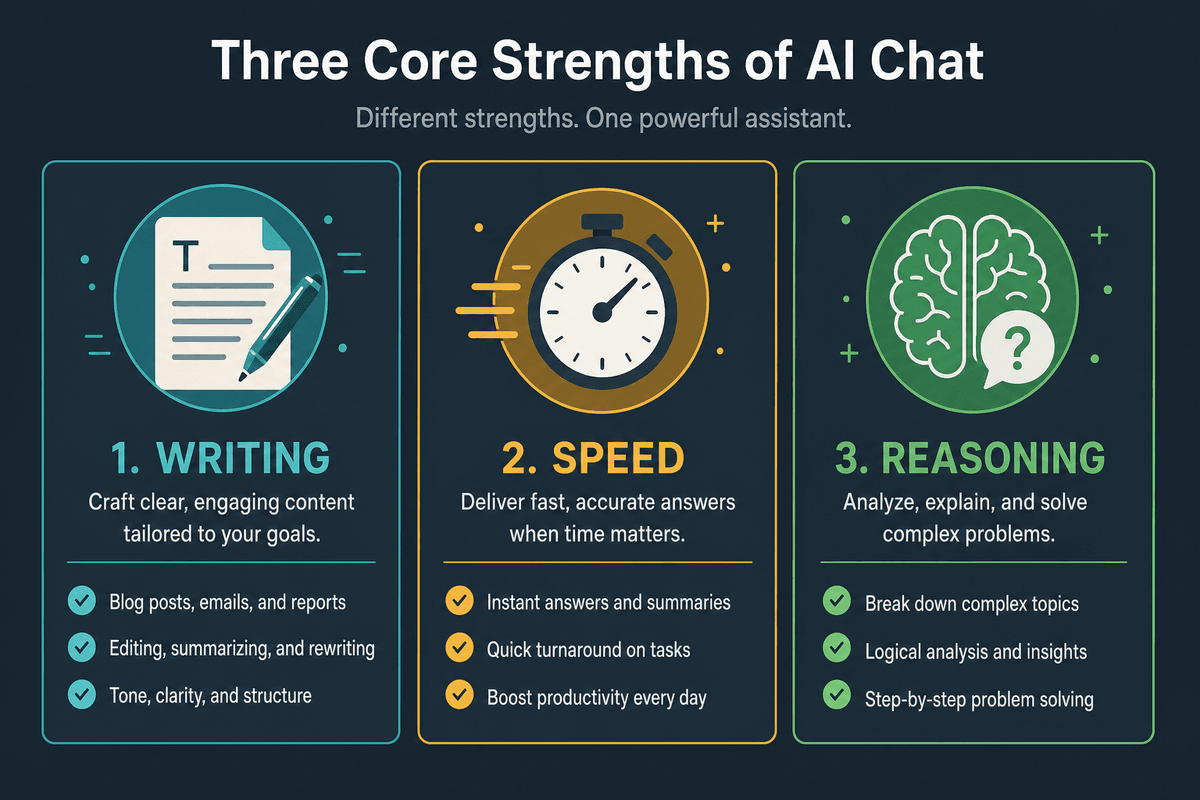
Ask for an outline or a few directions, select one against the brief, and revise by section. Keep the same facts and output constraints. Record latency and editing effort instead of assuming Flash is always faster.
Recipe C: storyboard and supporting assets
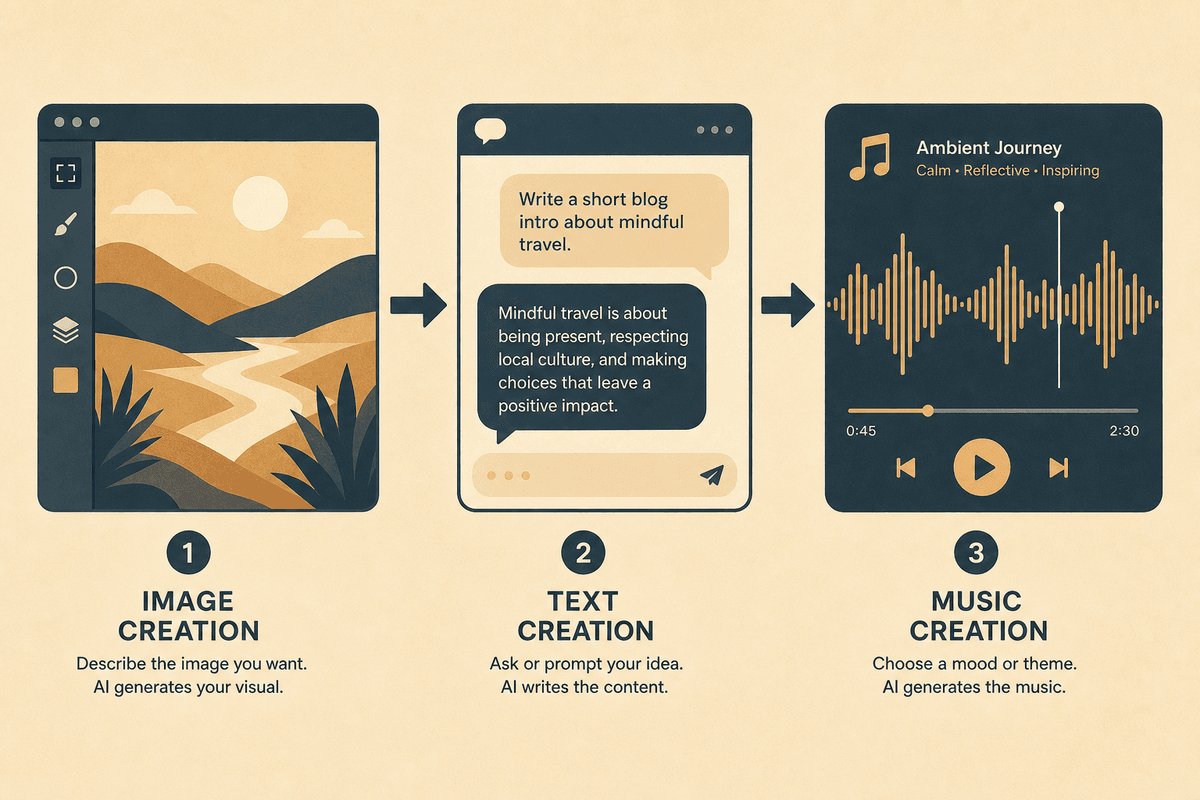
Turn approved copy into a shot list. Check image, video, and music outputs separately; a text plan is not a completed asset.
Compare other entries with the same criteria
Use matching material and criteria when comparing Gemini, Grok, GPT, DeepSeek, or Claude. The fixed legacy Claude entry currently maps to Claude Sonnet 5; a separate Opus 4.8 catalog entry is a different selection. Long-context scope, supported tools, and cost follow each current mode.
| Check | What to record |
|---|---|
| Evidence | Agreement with supplied sources and visible details |
| Structure | Required sections, length, and omissions |
| Coding or plans | Reproduction, minimal changes, executed tests, or acceptance criteria |
| Uncertainty | Unsupported statements and unresolved questions |
| Effort | Waiting time, actual cost, retries, and human revision |
Common issues and next steps
If the response fails, clarify the input and acceptance criteria before changing models. Do not equate rapid output with correctness, a long answer with reasoning quality, or a task list with completed execution.
Image and music entries linked below support separate production stages. Midjourney currently displays Midjourney Image; inspect generated visuals and Suno audio independently of the text plan.