
Claude writing and coding guide: clear briefs, focused revisions, and verification
Use the current Claude Sonnet 5 entry for structured writing and small code changes. Check results and distinguish the legacy URL from other Claude catalog entries.

The on-site Claude product entry currently maps to Claude Sonnet 5 and retains its legacy URL. Other entries, including Claude Opus 4.8, may exist separately in the catalog; they are not the same binding. Check the selected name and mode in the workbench.
This guide covers asking, revising, and checking writing and coding work. It does not transfer historical Opus capability claims to Sonnet. Check the current workbench for input methods, context scope, and cost.
Prepare a task brief
- Specify audience, purpose, language, length, and output structure.
- Supply the source or code needed for this turn and mark facts that must remain unchanged.
- Define acceptance criteria: citations to preserve, tests to pass, and uncertainty to flag.
Do not assume that every earlier message, refreshed session, or separate model conversation will enter the current context. Supply the necessary material according to the interface guidance.
Writing: outline first, then revise by section
You are a senior English editor. Rewrite the material below into a 1,200-word explanatory piece for product managers. Structure: pain point → solution → steps → risks. Tone: professional but readable. No marketing slogans. Material: …
- Check the outline against the purpose before expanding it.
- Revise one section or issue at a time and keep a confirmed facts block.
- Compare numbers, citations, and causal statements with the source; output is not a substitute for verification.
Coding: small patches and edge-case tests
Here is a TypeScript snippet. Please: 1) flag potential bugs; 2) propose a minimal patch; 3) add two edge-case tests. Do not rewrite the entire file. Code: …
Provide expected behavior, the actual error, and reproduction steps before asking for a cause and a minimal change. Review the patch and run appropriate tests in your project. A suggested test is not an executed test.
Comparing with other models
Use the same material, question, and acceptance criteria for a small comparison rather than choosing a winner by name.
| Task | What to compare |
|---|---|
| Editing | Structural coverage, preserved facts, consistent tone |
| Code explanation and changes | Connection to the reproduced error, patch scope, test results |
| Quick drafts | Required structure, omissions, ease of revision |
| Text and image tasks | Whether the current mode supports the input and whether answers match the source |
The Gemini, GPT, and DeepSeek links below can help you prepare a comparison. Check each workbench for modes, context scope, and cost; this guide does not establish a fixed ranking of speed, price, or quality.
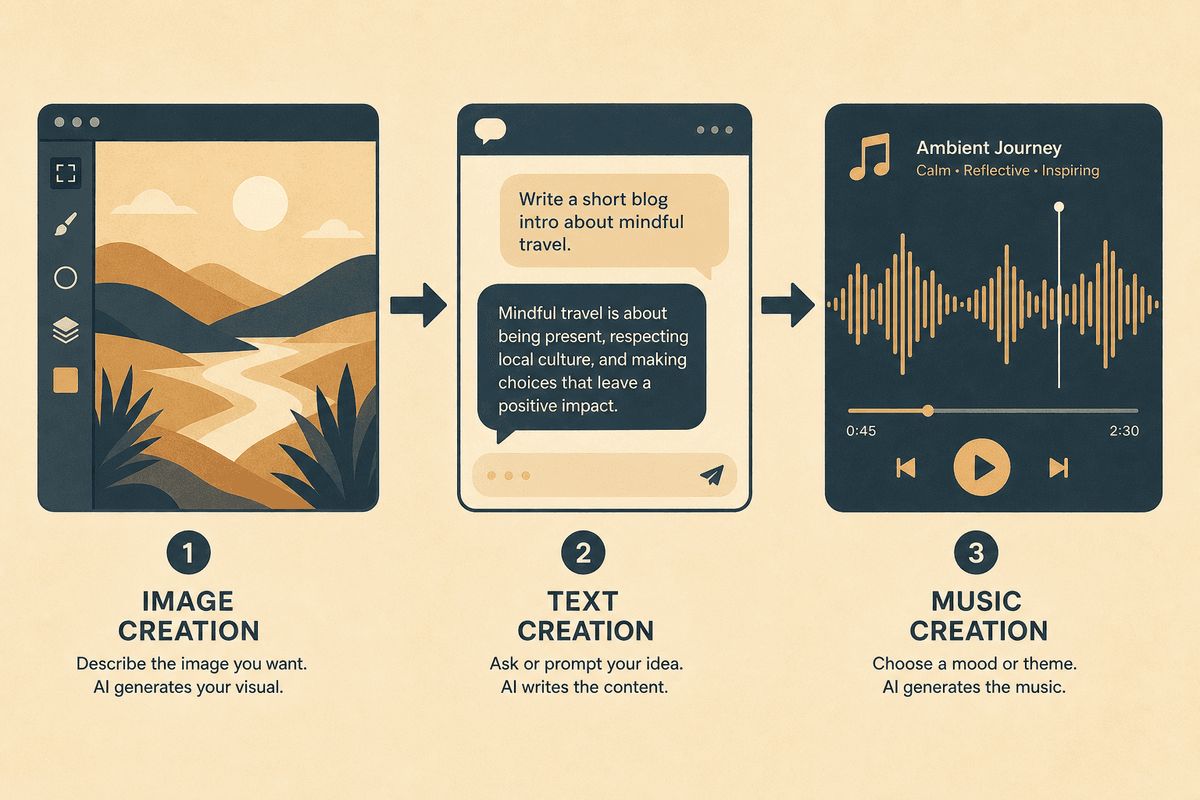
Connecting to visuals and music
- Confirm the script, audience, and shot list as a text task.
- Send the visual brief to Midjourney Image, GPT Image, or Nano Banana and inspect the output separately.
- Prepare a Suno music brief when needed. Text output does not replace checking images or audio.
FAQ
Does the legacy URL still mean Opus 4.8? No. This fixed entry currently maps to Sonnet 5. Check the actual catalog selection for other Claude entries.
Must prompts be in English? Describe the task in the target language and retain original code, errors, and terminology. Verify the result in that language.
Can I send long documents or attachments? Check the input methods and scope actually offered by the current mode rather than relying on a historical article.