
GPT 5.6 Sol Workflow: Meeting Notes, Creative Briefs and Revision
Build meeting notes, creative briefs and revision checklists with GPT 5.6 Sol. Reuse prompt templates and check facts before handing work to another model.
An effective assistant workflow needs a clear deliverable and a review step. Use GPT 5.6 Sol to turn meeting notes into actions, develop a creative brief and revise against explicit feedback. Assess the output before deciding whether another model helps.
Define the deliverable first
For meeting notes, include the original transcript and ask for decisions, owners, deadlines and unresolved questions. Missing owners or dates should remain unknown rather than be invented. For creative work, specify audience, channel, length, tone and prohibited claims.
| Task | First output | What to check |
|---|---|---|
| Meeting notes | Decision and action table | Source support, owners and dates |
| Creative brief | Three distinct directions | Audience fit and differences between concepts |
| Revision | Edited copy plus change list | Feedback applied without altering facts |
| Visual handoff | Copy and shot requirements | Text accuracy and supported drawing inputs |
Prompt templates
For the image-based example, first check whether the selected mode accepts the image. Otherwise provide a factual text description and do not ask the model to infer unseen details.
Turn the meeting notes below into: a decision list, action items (owner + due date), and risks. No fluff. Source: …
Write 3 short-video script outlines for the target user “independent designer.” Each should include a hook, three acts, and a CTA. Keep the tone light; avoid exaggerated promises.
Combining this product image with the selling points below, write an 80-word ecommerce hero caption that highlights material and use scenario. Do not use phrases like “lowest price on the internet.”
Revise with a change list
- Supply the approved facts and ask for a structured first draft.
- Mark specific changes, such as shortening an introduction or removing an unsupported claim. Avoid vague instructions to make everything better.
- Request the revised version and a list of changes. Compare names, numbers and commitments against the original material.
- If errors persist, reuse the same brief with another model and compare the correction rather than assuming a stronger brand will solve it.
Hand off to other tools
DeepSeek V4 Flash can be tried on the same writing brief; Claude Sonnet 5 and Gemini 3.5 Flash are other candidates to evaluate against that checklist. Use the comparison guide below for a matched DeepSeek/GPT task rather than relying on unsupported speed or quality rankings.
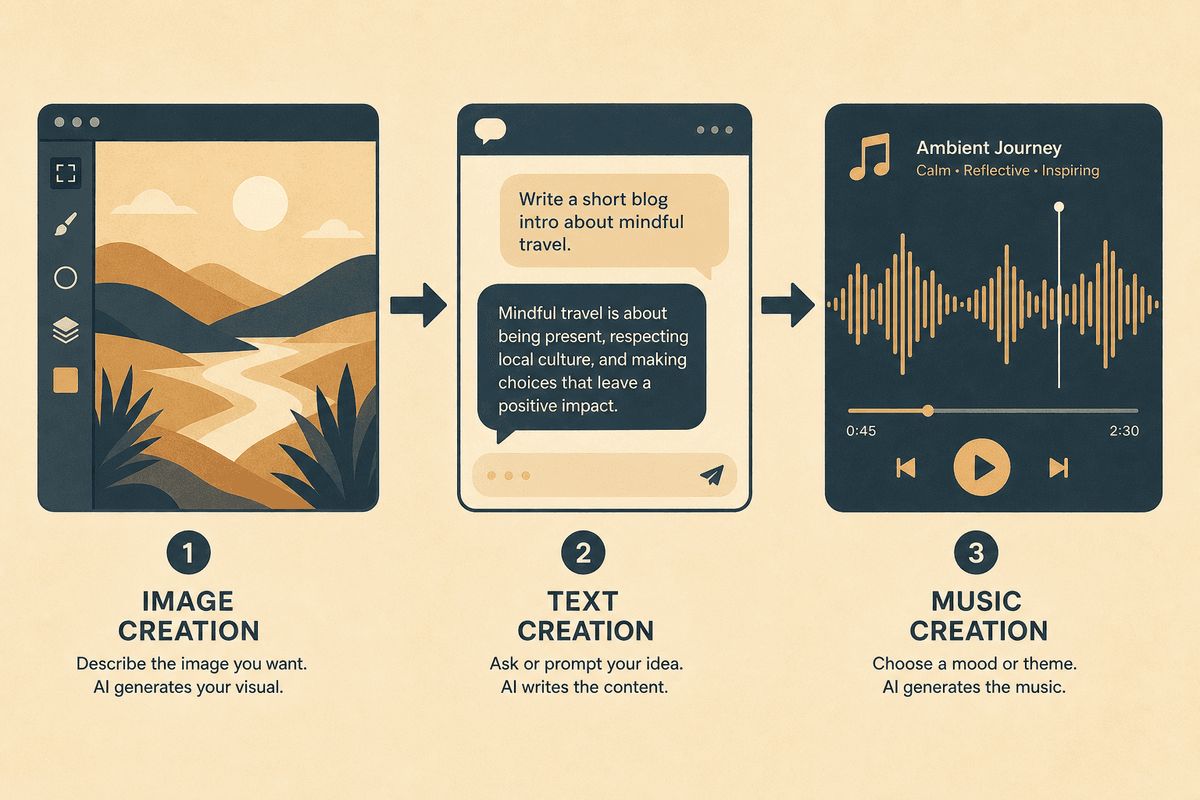
For a content project, approve the copy before sending prompts to GPT Image 2, Midjourney Image or Nano Banana 2. Prepare a separate music brief for Suno. Chat output is a plan for those tools; inspect the resulting image or audio before publication.
Start a small, reviewable task
Open the GPT 5.6 Sol product page, inspect the selected mode and current inputs, then try one non-sensitive excerpt. File, image and web features depend on the active mode and interface. Record actual usage and revisions if cost or turnaround matters; this tutorial makes no benchmark or completed-generation claim.