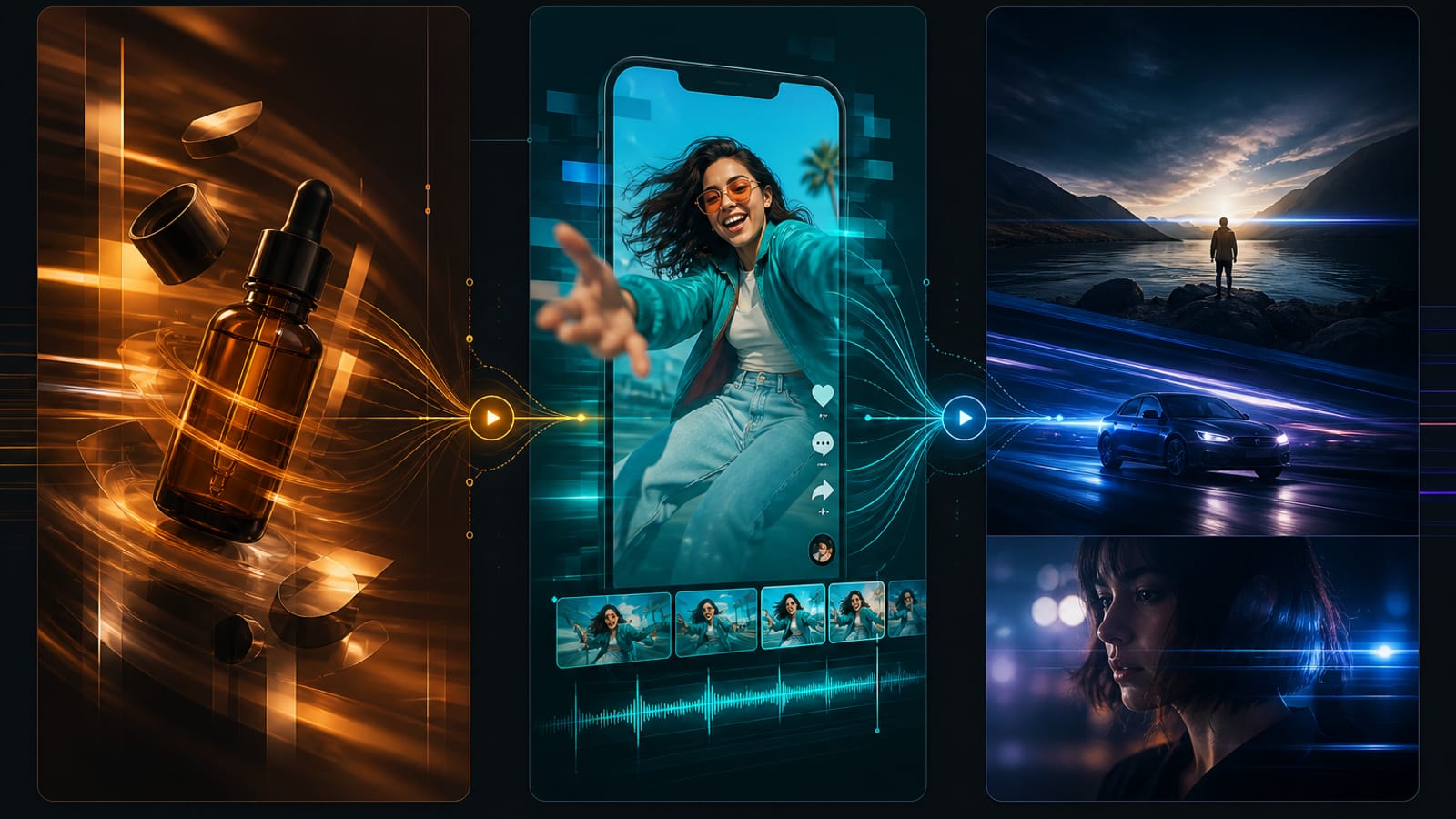
How to choose AI video models: trial shots and checks for Seedance, Kling, and Veo
Compare Seedance, Kling, and Veo through input modes, shot briefs, and output checks. Verify current entry names, settings, and actual cost instead of fixed rankings.
Start with the deliverable: reference images, required action and camera movement, details to preserve, and suitability for editing. This guide offers a trial method without assigning cinematic quality, speed, or low cost permanently to a model.
Current product entries
| Current name | Product entry |
|---|---|
| Seedance 2.0 | Seedance 2.0 |
| Kling 3.0 Turbo | Kling 3.0 Turbo |
| Google Veo 3.1 | Google Veo 3.1 |
The on-site Kling entry currently displays Kling 3.0 Turbo and Veo displays Google Veo 3.1 while their legacy slugs remain. Check the workbench for actual modes and parameters; a family name in an older article does not establish the current version or features.
Filter by input before choosing a model
| Input | Check first | Inspect in a trial |
|---|---|---|
| A written shot brief | Whether text-to-video is offered | Subject, action, and setting |
| An approved still | Image-to-video mode and image requirements | Shape, composition, text, and movement |
| Character or product references | Whether a matching reference mode is offered | Preserved reference features and continuity |
| Required duration or aspect ratio | Actual mode choices and cost | Fit for the edit, beyond the written prompt |
If input requirements are not met, adjust the material or choose a suitable entry. Consult the Veo guide for its current text, image, and reference modes; check each other entry against its own form too.
Compare the same shot in three steps
- Fix the subject, action, camera direction, lighting, and details that must remain.
- Try two models supporting the necessary input, align settings where possible, and record unmatched parameters.
- Review results against the same checklist and record failures, waiting time, actual cost, and revisions. Choose the next step from observed results rather than a presumed winner.
Trial scoring sheet
| Check | Record |
|---|---|
| Subject stability | Changes to shape, count, faces, or product details |
| Action and camera | Direction, pace, and agreement with the brief |
| Background continuity | Flicker, jumps, and unrelated objects |
| Lighting and style | Agreement with the brief and consistency within the shot |
| Editing suitability | Usable segment, opening, ending, unwanted captions or marks |
| Cost of use | Actual quote and charge, retries, and manual work |
A shot brief to adapt
A glass skincare bottle on a clean surface, slow camera push-in, soft side light, preserve the bottle shape and label position, no added text or background objects. Use duration and aspect-ratio options available in the current mode for the trial.
This expresses creative intent, not a guarantee of readable labels or perfect constraint adherence. Simplify a complex shot to one action and revise one factor at a time.
From stills to soundtrack
Check stills with Midjourney Image, GPT Image, or Nano Banana, and use a chat task to clarify the storyboard if needed. Then choose a video mode. Prepare Suno background music when required and check it against narration in the actual edit.
Common mistakes
- Equating a model with fastest or most cinematic: assess observable results on a matched task.
- Writing only adjectives: add action, framing, camera direction, and lighting.
- Changing several conditions together: this makes the effect difficult to identify.
- Treating an old example duration as an available option: follow the current form.
Save the brief, settings, and score before deciding whether to refine further. This guide does not promise a fixed output count, waiting time, or generation cost.