

Seedance 2.0 vs Kling 3.0 vs Google Veo 3: ऑनलाइन AI वीडियो मॉडल चुनने की पूरी गाइड
«AI वीडियो जनरेशन», «Seedance ऑनलाइन», «Kling 3.0», «Veo 3», «text-to-video», और «image-to-video» जैसी खोजों के लिए — तीन ऑनलाइन वीडियो मॉडल की use case के हिसाब से तुलना, साथ में BaBawu Ai ब्राउज़र में स्विच करके आज़माने का व्यावहारिक रास्ता।

जब लोग «AI वीडियो टूल कैसे चुनें», «Seedance ऑनलाइन», «Kling 3.0 text-to-video», «Google Veo 3», या «image-to-video टूल» खोजते हैं, तो creators को आमतौर पर «क्या मॉडल है» नहीं, बल्कि ad shots, product demos और short-form finished clips — पहले कौन सा मॉडल खोलें? इस पर अटकते हैं।
BaBawu Ai पर आप ब्राउज़र में तीन AI वीडियो entry points ऑनलाइन आज़मा सकते हैं — Seedance 2.0, Kling 3.0, और Google Veo 3 — text-to-video और image-to-video workflows कवर करते हुए, अलग-अलग clients में sign up किए बिना।
यह लेख एक selection guide है (focus: «कब कौन सा use करें»)। still covers और heroes के लिए drawing guide देखें: Midjourney / GPT Image 2 / Nano Banana selection। scripts और storyboards के लिए chat models use करें; finished clips को Suno से soundtracks के साथ pair करें।
One-line positioning: हर वीडियो मॉडल किस चीज़ में best है?
| मॉडल | One-line positioning | Related search terms |
|---|---|---|
| Seedance 2.0 | ads और product demos के लिए clear finished-clip entry | Seedance ऑनलाइन, text-to-video, image-to-video, AI clips |
| Kling 3.0 | social video के लिए strong motion और short-form rhythm | Kling 3.0, short-form AI, motion shots |
| Google Veo 3 | premium shorts के लिए cinematic look और camera language | Veo 3, Google video generation, AI cinematic shots |
Selection rule simple है: पहले deliverable define करें (length, shot type, reference image है या नहीं), फिर model चुनें — brand name पर जल्दी lock मत करें।
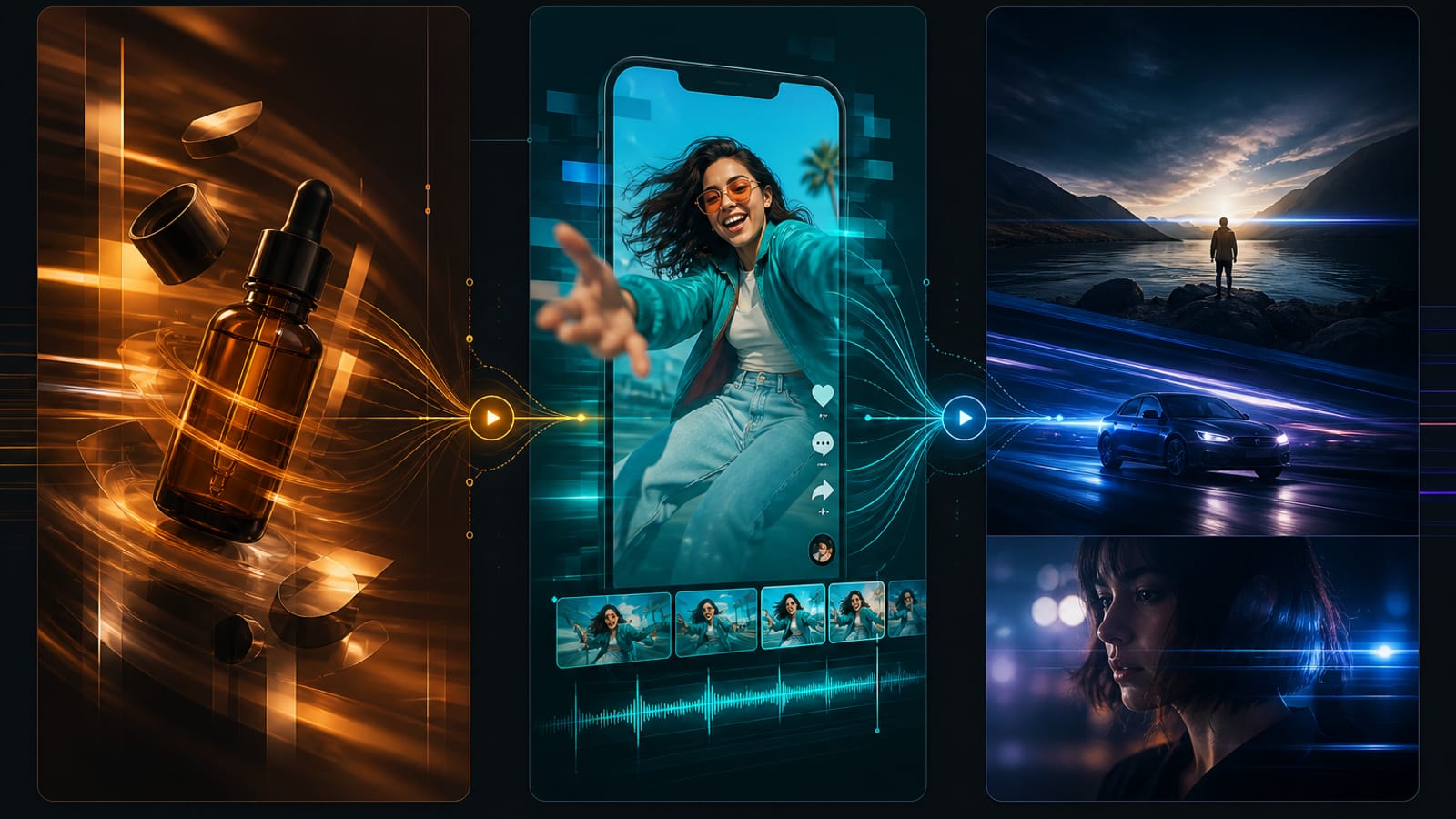
Seedance 2.0: जब finished-clip workbench तक fast path चाहिए तो prioritize करें
«Seedance 2.0», «Seedance ऑनलाइन use करें», या «text-to-video / image-to-video» खोजने वालों के लिए best।
Better fit:
- Ad shots, product demos, brand shorts जिन्हें clear prompt-to-clip entry चाहिए
- Teams जो BaBawu Ai के one-stop loop में covers (drawing) और soundtracks (Suno) को video में stitch करती हैं
- Growth और ops teammates जिन्हें पहले working generate → preview → iterate loop चाहिए
Lower priority when:
- आपको सिर्फ extreme cinematic long takes और complex camera grammar चाहिए (Veo 3 compare करें)
- आपको सिर्फ 15-second social cuts strong motion और rhythm के साथ चाहिए (पहले Kling 3.0 try करें)
Start here: Seedance 2.0 product page → online video workbench। Prompts लिखें «subject action → shot type → length और use case»; reference upload करें तो बताएं product still है, person है या scene atmosphere।
Kling 3.0: जब short-form motion energy चाहिए तो prioritize करें
«Kling 3.0», «Kling AI», «short-form AI video», या «motion camera moves» खोजने वालों के लिए best।
Better fit:
- Feed/social motion extensions, product transitions, character action shots
- Stronger motion continuity, push-ins, rhythmic pacing
- Social teams जो quickly iterate करती हैं «कौन सा clip scroll रोकता है»
Lower priority when:
- Steady business demos और safer finished-clip path चाहिए (Seedance पर वापस)
- Premium shorts cinematic grade और camera direction के साथ चाहिए (Veo 3 देखें)
Start here: Kling 3.0 product page। Camera moves (push, pull, follow, orbit) और action tempo spell out करें — सिर्फ «cool और epic» लिखने से ज़्यादा useful।
Google Veo 3: जब cinematic look और camera language चाहिए तो prioritize करें
«Google Veo 3», «Veo 3 ऑनलाइन», «AI cinematic shots», या «high-quality text-to-video» खोजने वालों के लिए best।
Better fit:
- Brand films, concept trailers, shorts जिन्हें lighting और depth चाहिए
- Projects जो image quality, camera language, atmosphere पर ज़्यादा focus करते हैं
- Teams with storyboards जो चाहती हैं model «shot descriptions» better समझे
Lower priority when:
- आज दोपहर 20 feed drafts चाहिए (throughput के लिए पहले Kling या Seedance try करें)
- Simple product spin shortest possible flow के साथ चाहिए (Seedance ज़्यादा direct)
Start here: Google Veo 3 product page। Shot size, camera move, light, subject emotion detail करें; complex briefs के लिए video model feed करने से पहले Claude Opus 4.8 या GPT-5.6 Sol से shot list draft करें।
Scenario table: deliverable के हिसाब से चुनें
| आपका deliverable | पहले try करें | Backup |
|---|---|---|
| Ad shots / product-demo clips | Seedance 2.0 | Veo 3 |
| Short-form motion / feed action shots | Kling 3.0 | Seedance |
| Brand concept / cinematic shorts | Google Veo 3 | Kling |
| Image-to-video (product या poster reference) | Seedance 2.0 | Kling 3.0 |
| Fast text-to-video iteration | Seedance या Kling | Veo 3 |
| Cover locked, सिर्फ motion extension चाहिए | Kling 3.0 | Seedance |
Recommended workflow: BaBawu Ai पर «still से motion»
कई teams drawing, chat, music, video chain करती हैं (यह भी देखें: online AI content pipeline):
- Visual direction lock करें: Midjourney V8.1, GPT Image 2, या Nano Banana से covers / keyframes
- Storyboard और prompts लिखें: DeepSeek V4, Gemini 3.5 Flash, या Grok 4.5 से camera language clarify करें
- Motion generate करें: ऊपर table से Seedance / Kling / Veo चुनें (text-to-video या image-to-video)
- Soundtrack polish add करें: short-video BGM या intros के लिए Suno use करें (देखें Suno short-video BGM)
यही BaBawu Ai का मतलब है AI drawing / AI chat / AI music / AI video all-in-one platform के रूप में: «Seedance», «Kling 3.0», «Veo 3», «text-to-video», «image-to-video» जैसी hot searches एक clickable path पर रखें।
Common mistakes
- गलती 1: सिर्फ एक «strongest video model» bookmark करना
«Strongest» deliverable पर depend करता है। Feed throughput और cinematic atmosphere अलग jobs हैं। - गलती 2: prompts में सिर्फ style adjectives
Subject action, shot size, camera move, use case के बिना तीनों models flashy लेकिन unusable लग सकते हैं। - गलती 3: keyframes और storyboards skip करके blindly regenerate
Video से पहले drawing models से composition lock करें, chat models से shot lists — usually endless rerolls से सस्ता। - गलती 4: drawing selection article को video selection समझना
Stills के लिए तीन drawing models कैसे चुनें use करें; motion clips के लिए यह guide।
Summary
अगर आप «AI video कैसे चुनें», «Seedance ऑनलाइन», «Kling 3.0 vs Veo 3», या «text-to-video / image-to-video tools» खोज रहे हैं, abstract comparisons पर मत रुकें: BaBawu Ai खोलें और deliverable के हिसाब से Seedance 2.0, Kling 3.0, या Google Veo 3 online workbench में try करें। Covers, scripts, soundtracks चाहिए तो drawing, chat, Suno connect करें — model names shot type की serve करें, उलटा नहीं।