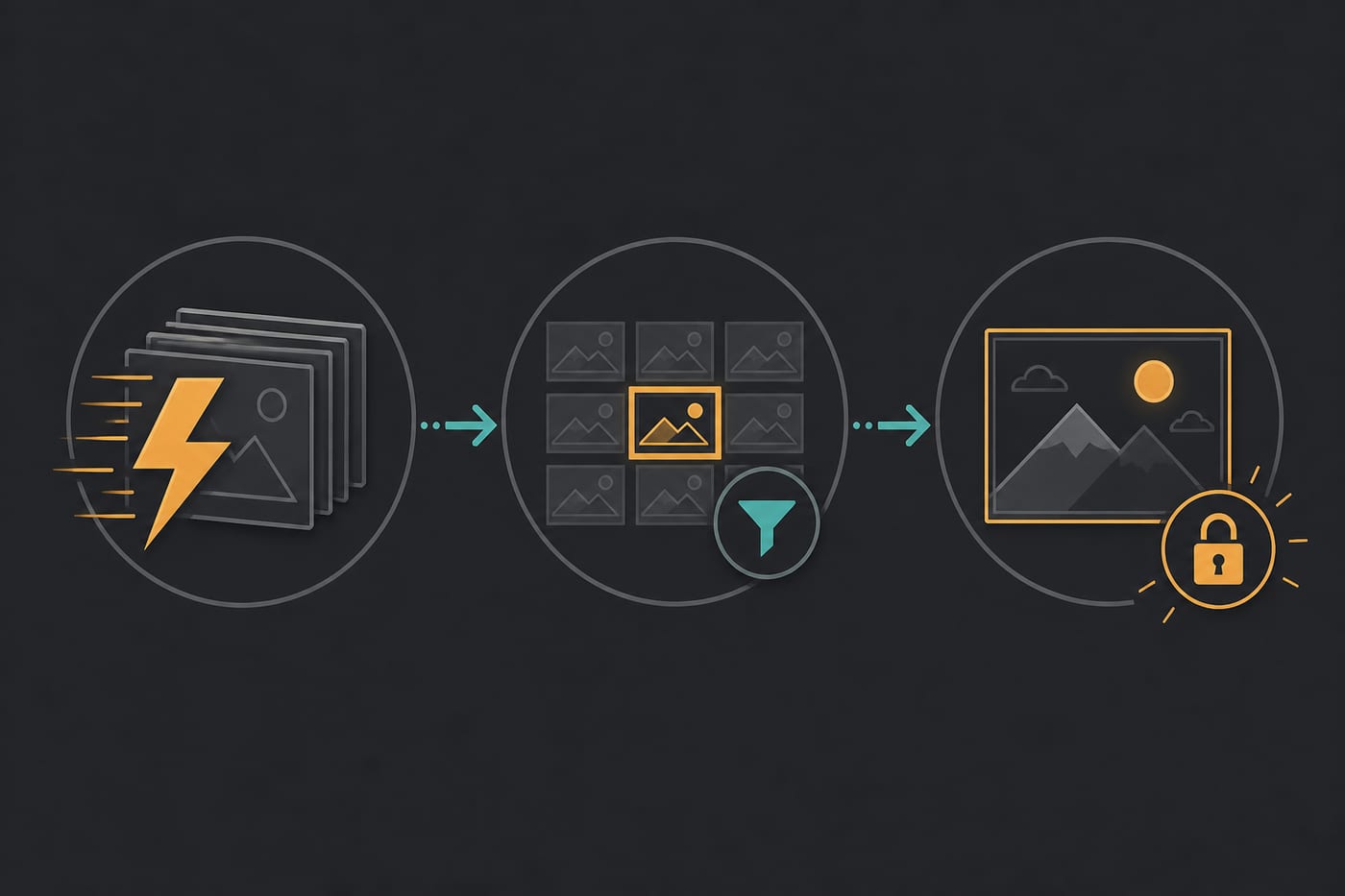
Nano Banana 2: product visuals, poster drafts, and output verification
Prepare a Nano Banana 2 trial using current mode requirements, verify text and reference details, and revise one factor at a time without speed or accuracy guarantees.
This guide uses the on-site Nano Banana 2 product entry to explain preparation, output checks, and iteration. Its current display name is Nano Banana 2 while the legacy URL remains. It does not promise fixed speed, batch size, text accuracy, reference fidelity, or commercial suitability.
Prepare the scene and acceptance criteria
Specify purpose, subject, composition, lighting, and exact copy. List shapes, colors, and marks that must remain separately. References must meet the current form requirements. Inspect text and logos directly rather than assuming accuracy from the model name.
Choose a mode by input
The current catalog lists text-to-image and image-to-image with prompt, image_urls, aspect_ratio, and resolution fields. Required inputs, choices, and cost follow the actual mode form. This does not establish a separate reference mode or arbitrary local editing tools.
Original prompt examples
These express creative intent, not guaranteed text accuracy, count, dimensions, or reference consistency. Adjust them to the current form and inspect the output.
Same glass serum bottle; generate front, 3/4 side, and top-down macro views. White studio background, large subject, clean edges, no text, no watermark. Two frames per angle.
Skincare bottle centered on: pure white, light wood table, bathroom counter, soft gray gradient. Soft light, product about 55% of frame, no clutter props.
Vertical cover framing, silhouette or product slightly above center, leave a bottom subtitle safe zone, high-contrast light, six different composition directions, unified modern-simple style.
Same theme late-night city window; try cinematic, flat illustration, realistic photo, minimal poster. One or two frames per style so you can later choose Midjourney or GPT Image.
Large subject, simple background, sharp edges, suitable for gentle camera moves later; no motion blur; generate 4–6 frames for filtering.
Three reusable workflows
Recipe A: product views and backgrounds
Keep subject, composition, and light fixed while changing one background or angle factor. Check contours and details without promising multiple versions in a fixed time.
Recipe B: posters and headlines
Confirm the subject and empty space, then inspect copy, punctuation, and safe zones. Revise or lay out incorrect text separately rather than treating readability as a model guarantee.
Recipe C: candidate stills to video
Select stills that pass detail checks and retain the brief and settings. Then verify video-mode image requirements. A good still does not guarantee video fidelity; check Suno audio separately in the edit.
Output checklist
| Check | Inspection |
|---|---|
| Subject | Shape, count, edges, and proportions against the brief |
| Composition | Empty space, safe zones, and subject position |
| Text | Every character, punctuation mark, and readability against the original |
| Reference consistency | Compare required details with the input image |
| Effort | Actual cost, waiting time, retries, and manual editing |
Compare alternatives
Use the same brief, exact copy, and necessary references when comparing Midjourney Image, GPT Image, or Nano Banana. Align settings where possible and record differences. Do not assume a model is always faster, better at Chinese text, or more consistent with characters. Judge your material against the checklist. The fixed legacy Claude entry currently maps to Sonnet 5; consult current product names for Veo and Kling links.
Common issues
- Incorrect text: retain exact copy and inspect every character; use separate layout tools when necessary.
- Reference drift: identify details to preserve, check the mode and input requirements, then change one factor.
- Missing count or parameter: follow the form instead of inferring support from a prompt or older tutorial.
- Unclear comparison after retries: record prompts, modes, settings, and failures rather than changing many factors together.