

Browser AI Getting Started: Choose a Task and Review Your First Result
Choose chat, image, video or music tools by the result you need. Prepare a small brief, check current inputs and pricing, and review a first browser AI task.

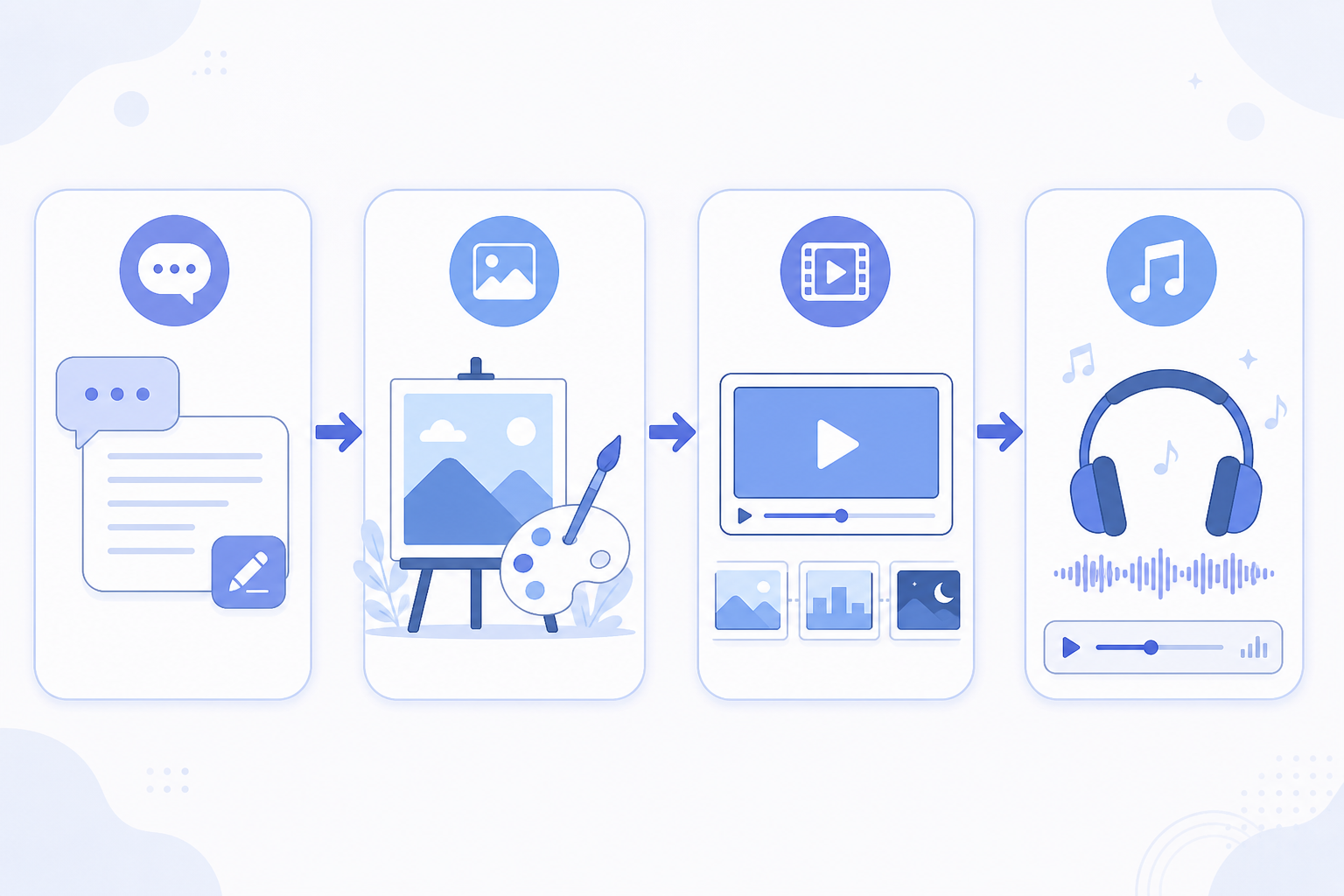
Start with the result you need, then choose a browser AI task. A draft, product image, motion clip and music bed have different input and review requirements. This introduction helps you prepare a first small task; it is not a ranking of models or a promise that one click produces a finished project.
Choose one deliverable
| Desired result | Starting category | Prepare | First review |
|---|---|---|---|
| Answer, outline or script | Chat | Clear question and source excerpts | Facts, omissions and requested format |
| Cover or product still | Drawing | Visual brief and permitted references | Shape, text and composition |
| A motion test | Video | One shot and any required source image | Subject consistency and movement |
| Background music | Music | Mood, intended use and narration needs | Actual duration, vocals and mix suitability |
You do not need all four stages for every project. A static product image needs no generated video, and a written summary needs no soundtrack. For selecting among models in one category, use the detailed comparison tutorials below.
Open a current product entry
Use the model directory to find a relevant product page and inspect its current name and inputs, then follow its usage link. Existing URLs may contain historical version names: for example, the DeepSeek V4 path currently maps to DeepSeek V4 Flash, and the Midjourney path maps to Midjourney Image.
Check the selected model and mode in the workbench before submitting. A product listing does not mean every mode accepts files, images or web links. Supply the material the current interface requests; a pasted URL is not evidence that the page was read.
Prepare a small brief
State the audience, result, format, source facts and details that must not change. Use non-sensitive sample material for a first trial. Check login requirements and current pricing; reference labels are not the final charge for every task. Confirm the active options and any quote before submitting.
Prompt examples
The original examples below express creative targets. Generated duration, readable logos and no vocals require review; adapt the wording and actual settings to the selected mode.
Write a 15-second beauty short-video voiceover: audience 25–35 women, sincere not hard-sell, end with one clear CTA; give 3 versions plus one image prompt for a drawing model.
White seamless studio, skincare bottle front at 45°, soft light, no hard shadows, clear logo, commercial hero, no extra fingers or text watermarks.
Product bottle slow horizontal turn ~20°, stable camera, soft studio light, subject does not drift, about 3–4 seconds, no subtitles or watermarks.
Soft electronic bed for beauty voiceover, 90 BPM, warm and clean, no vocals, loop-friendly, about 30 seconds.
Review the first result
Read an answer against its sources. Inspect a still at delivery size and check every visible word. Watch a whole clip for deformation and continuity. Listen to the returned audio, including its opening and ending. Mark one specific defect before requesting a revision rather than changing everything at once.
Use the account interface for available task and usage records, and save approved assets separately. If a request appears interrupted, inspect task status before submitting it again. The workbench tutorial below explains switching and recovery in more detail.
Three starter recipes
A: A brief and one still
Turn a real requirement into approved copy, then prepare one image brief. Check the returned composition and product identity before generating more versions.
B: A still and one motion test
Choose an approved image, check a video mode that accepts it and describe one movement. Review the clip against the same visual constraints; compare models with the same brief if necessary.
C: A short edit with a music bed
Approve the script and shots, prepare the required assets and audition music under narration. Download and assemble the assets in an editor. Requests for instrumental music or a target duration do not guarantee an export-ready track.
Continue only where the task needs it
The workflow does not require a fixed DeepSeek → drawing → video → Suno order or a particular model as the cheapest first choice. Compare actual output, retries, usage and editing effort. Completion time varies; no paid generation, account-history retrieval or finished-project test was performed for this revision.
Products and detailed tutorials
- DeepSeek V4 Flash
- online content pipeline
- AI chat models comparison
- AI drawing models comparison
- AI video models comparison
- Account
- GPT 5.6 Sol
- Google Gemini 3.5 Flash
- Nano Banana 2
- GPT Image 2
- Midjourney Image
- Seedance 2.0
- Kling 3.0 Turbo
- Google Veo 3.1
- Suno 5.5
- Models
- Pricing
- Kling camera guide
- Suno BGM guide
- Workbench switching tutorial