

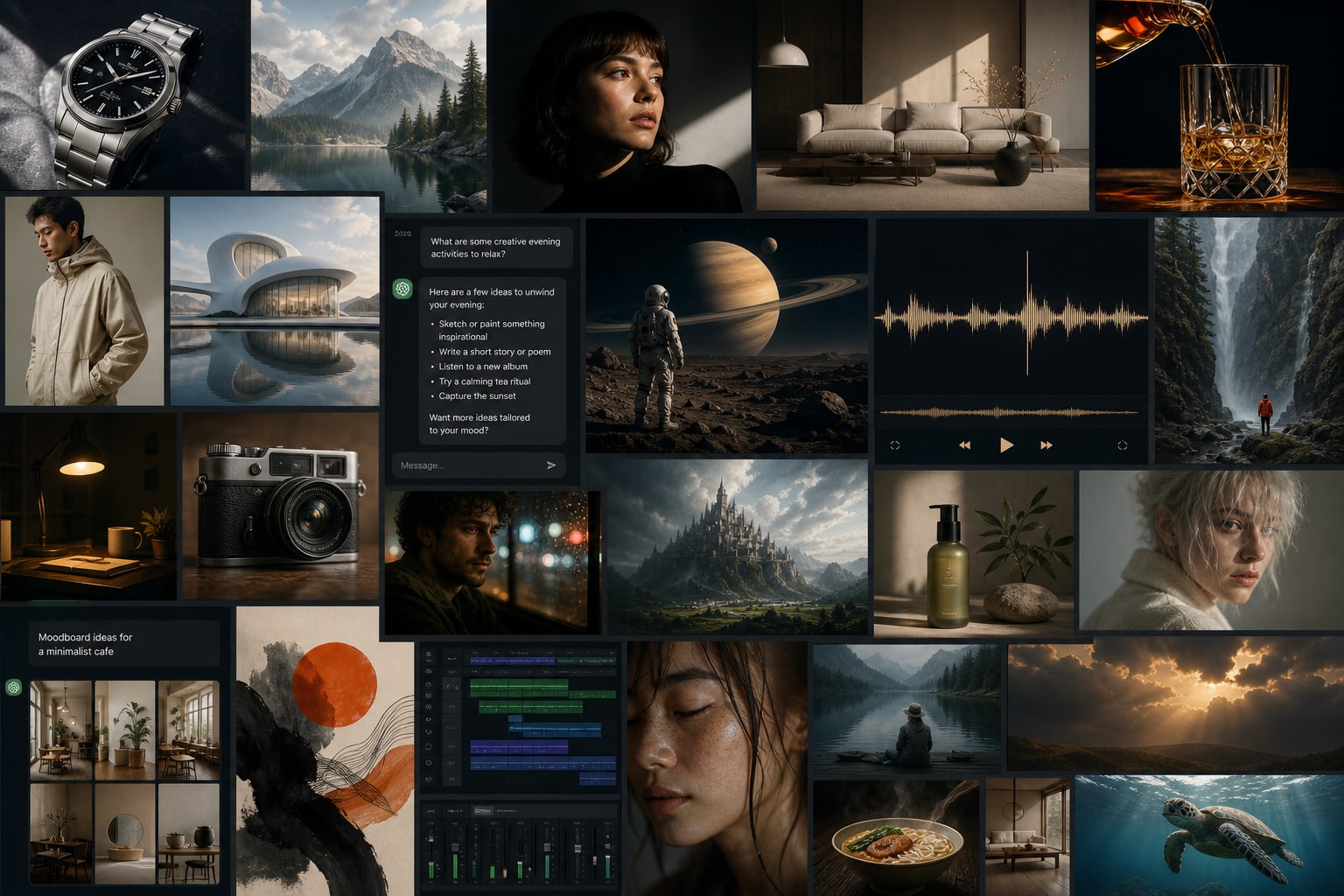


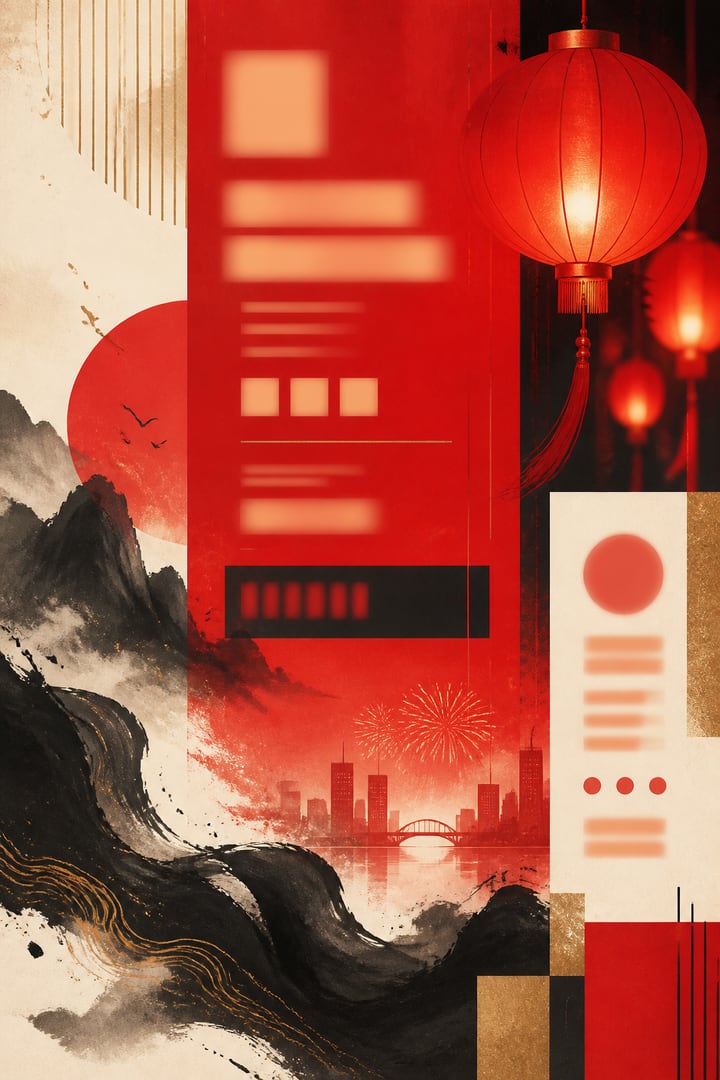




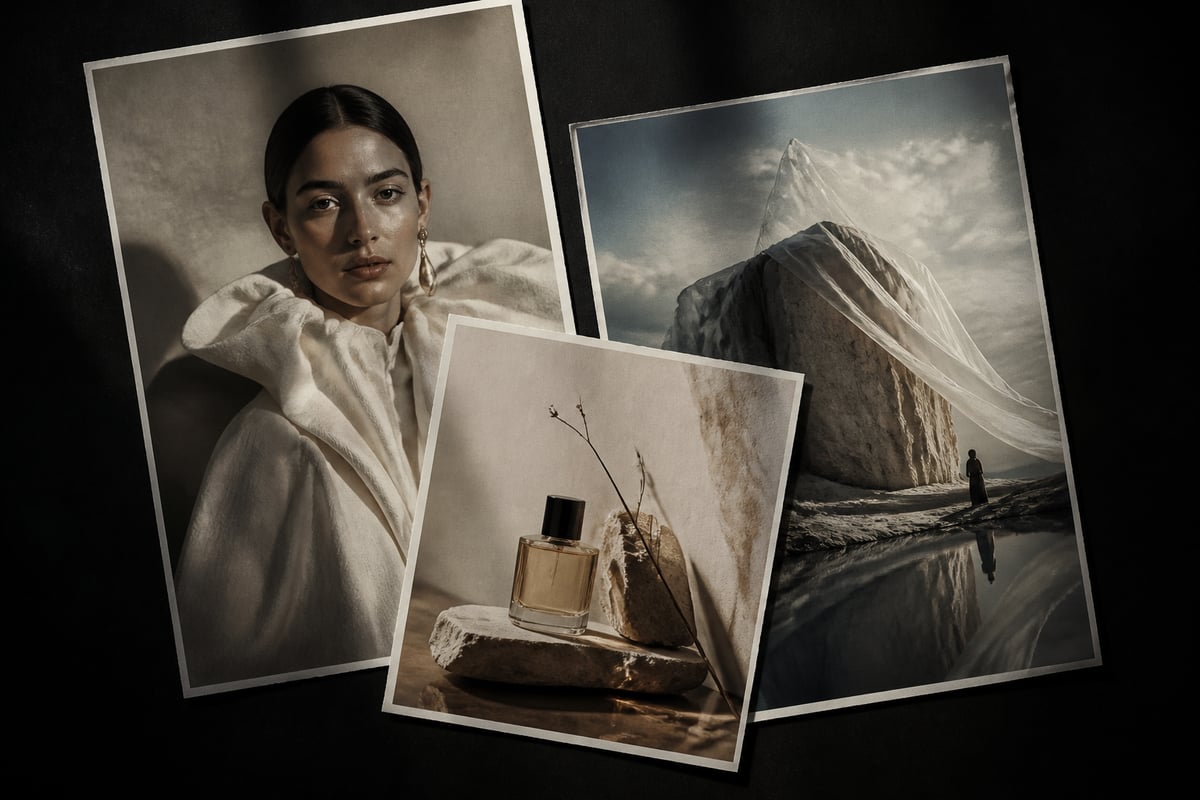






Models
AI Drawing
AI Chat
AI Music
AI Video
STEP 01
Choose a category & model
Start with drawing, chat, music, or video. Open a product page to understand capabilities, then pick the model that fits your task.
BaBawu Ai
Najlepsze modele AI na świecie w jednym miejscu
Pick models by deliverable—covers, product shots, copy, BGM, and finished clips—then open the matching product page
Midjourney Image
High-CTR vertical covers and title visuals for short-video platforms
Learn & useGPT Image 2
Product shots, promo heroes, and lifestyle scenes—iterate fast
Learn & useNano Banana 2
Campaign posters, infographics, and brand visuals with steadier typography
Learn & useDeepSeek V4 Flash
Talking-head scripts, outlines, and prompt polishing in chat
Learn & useClaude Sonnet 5
Long-doc rewrite, coding help, and complex reasoning
Learn & useSuno 5.5
Energetic or light scores with vocals—describe the vibe and generate
Learn & useSuno 5.5
Channel openers and bumper-style tracks to set the tone quickly
Learn & useSeedance 2.0
Text-to-video and image-to-video—turn static ideas into finished motion
Learn & useDrawing, chat, music, and video—from idea to finished clip in one browser
AI Drawing
Use Midjourney, GPT Image 2, and Nano Banana online for short-video covers, commerce heroes, posters, and concepts—open your browser and iterate, no client download.
AI Chat
DeepSeek, Claude, GPT, Gemini, and Grok in one place. Scripts, outlines, prompt polishing, and coding help—switch models by task and refine as you chat.
AI Music
Use Suno online: describe a vibe or paste lyrics to generate vocals-ready songs. Ideal for short-video BGM, ads, podcast intros, and originals.
AI Video
Seedance, Kling, and Veo online. Generate ad shots, product demos, and short-form motion from text or references—then pair with covers and music.
Frequently chosen drawing, chat, music, and video models—short pitches to product pages
Discover MoreStrong art direction for covers and concepts
Dowiedz się więcejCommerce heroes and multi-language text
Dowiedz się więcejFast generation for high-volume iteration
Dowiedz się więcejStrong value for Chinese writing and reasoning
Dowiedz się więcejSteady long-form writing and coding
Dowiedz się więcejGeneral assistant for everyday creative work
Dowiedz się więcejFast Q&A and coding with a live feel
Dowiedz się więcejVocals-ready tracks for short-video BGM
Dowiedz się więcejText/image-to-video entry for finished clips
Dowiedz się więcejDługie artykuły o tym, jak wybierać i używać popularnych modeli AI online

Pod wyszukiwania typu AI brand design, AI visual identity, AI key visual, brand ident, slogan AI i generacja AI online—jak pisać brand language z Claude / DeepSeek / GPT, stills z Midjourney / GPT Image 2.5 / Nano Banana, motion z Seedance / Kling / Veo i sonic idents z Suno na BaBawu Ai, plus kopiowalne przepisy i routing słów kluczowych.

Dla wyszukiwań takich jak AI course creation, AI slides, paid-course scripts, AI explainer video, course cover AI i generacja AI online—jak pisać z Claude / DeepSeek / GPT, wizualizacje z GPT Image 2.5 / Midjourney / Nano Banana, klipy z Seedance / Kling / Veo i intro z Suno na BaBawu Ai, plus kopiowalne przepisy i routing słów kluczowych.
Stworzony pod wyszukiwania takie jak AI short-form scripts, AI covers, AI social media ops, weekly content calendar, AI batch drafting i generacja AI online—jak pisać haki z DeepSeek / GPT / Claude, okładki z Midjourney / GPT Image 2.5 / Nano Banana, klipy z Seedance / Kling / Veo i bedy z Suno na BaBawu Ai, plus kopiowalne tygodniowe przepisy i routing słów kluczowych.
Od pierwszych kroków po wybór modeli—naucz się korzystać z AI online
Praktyczny przewodnik po GPT Image 2 online w przeglądarce na BaBawu Ai—obrazy referencyjne, wielojęzyczny tekst i wbudowane rozumowanie, bez instalacji klienta.
Jak używać Google Nano Banana online na BaBawu Ai do szybkiego generowania obrazów i mocnego tekstu w zlokalizowanych kreatywach.
Porównaj DeepSeek V4 i GPT-5.6 Sol do czatu online na BaBawu Ai i wybierz właściwy model według zadania.
Fewer signups, fewer switches—finish the full visual-to-video loop in your browser
No client download or API setup—open the workbench and start creating
Drawing, chat, music, and video under one account—pick the best model per task
Script → visuals → soundtrack → clip—four categories on one platform
Selection articles and how-tos link into product pages—learn first, then use online
Three simple steps: pick a model, open the online workbench, generate and iterate—no download required
Models
STEP 01
Start with drawing, chat, music, or video. Open a product page to understand capabilities, then pick the model that fits your task.
Workbench
Prompt
STEP 02
Jump to the online workbench. Enter a prompt or upload references in your browser—no client install needed.
STEP 03
Refine prompts, switch models, or move to the next step (music, video) until the result matches your brief.
Quick answers about the BaBawu Ai online AI creation platform
BaBawu Ai is an all-in-one online AI creation platform with AI drawing, AI chat, AI music, and AI video models. Open your browser and go—no need to sign up for separate clients.
No. All models run in the BaBawu Ai online workbench (app.babawuai.com) in your browser.
Best for short-video covers, commerce heroes, brand posters, and concepts. Models include GPT Image 2, Nano Banana, and Midjourney V8.1—switch by style and speed needs.
Use it for scripting, long-form rewrite, debugging, and prompt craft. Choose among DeepSeek V4, GPT-5.6 Sol, Gemini 3.5 Flash, Claude Opus 4.8, and Grok 4.5 by language, reasoning, or coding needs.
With Suno you can generate vocal tracks and short-video BGM online—also useful for ads and podcast intros. Learn the capabilities on the music product page, then open the music workbench in one click.
Top models across drawing, chat, music, and video. Start from homepage scenarios and the spotlight, then compare on product pages—stills → drawing, writing/coding → chat, soundtrack → music, motion → video.
You can try Seedance 2.0, Kling 3.0, and Google Veo 3 online—covering text-to-video, image-to-video, and common creative workflows.
Pick drawing for still visuals, chat for writing/coding/prompts, music for soundtracks, and video for motion clips. You can also combine them via the homepage scenario workflow.
Bez pobierania — otwórz przeglądarkę i od razu doświadcz najlepszych modeli AI na świecie