













Models
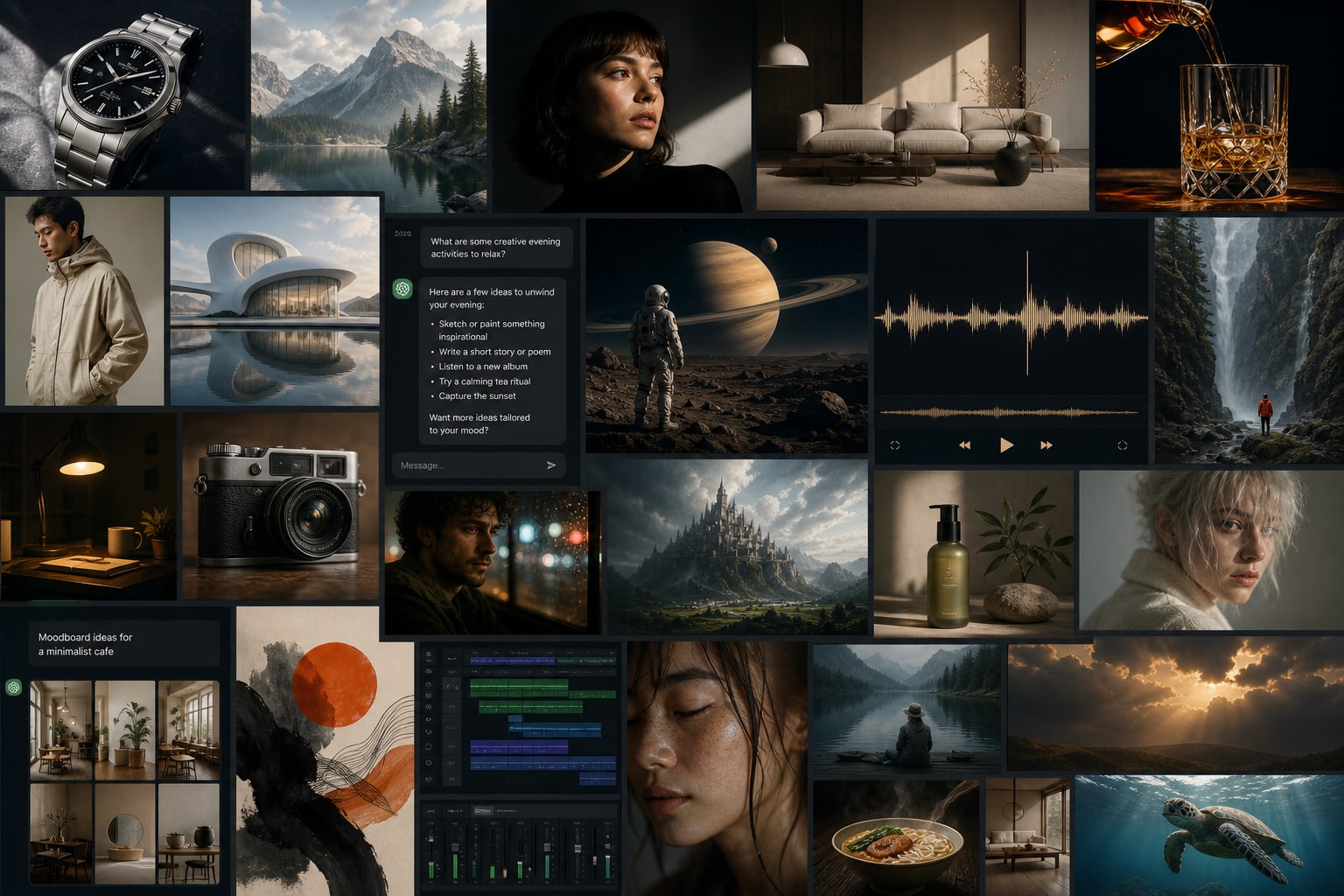
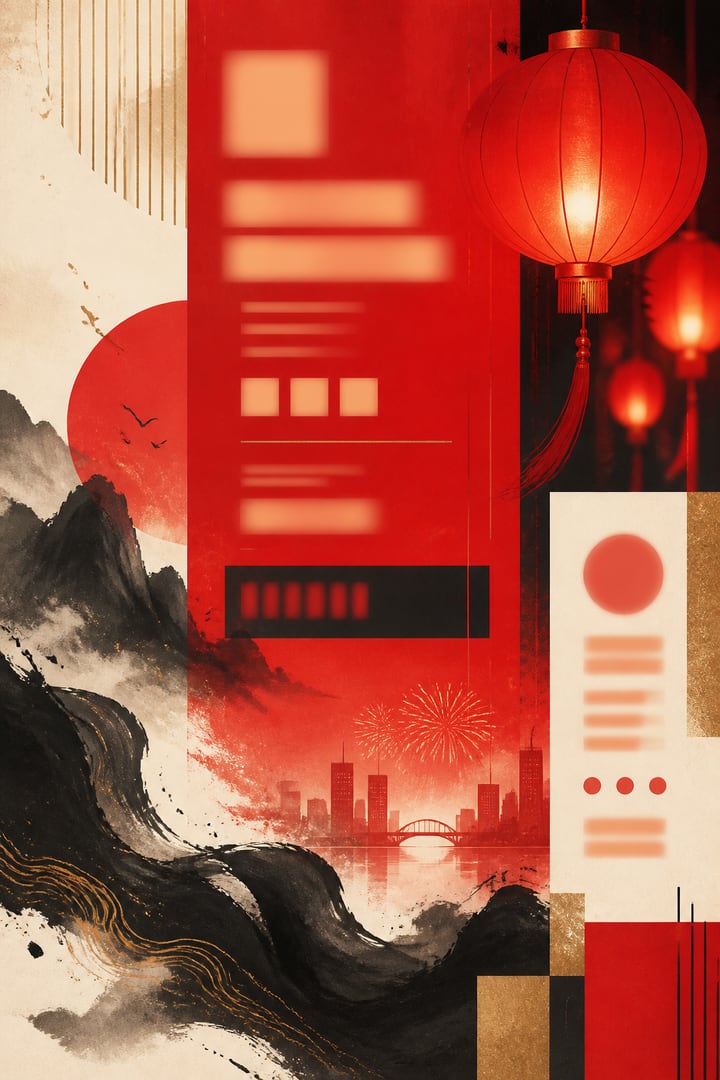
AI Drawing
AI Chat
AI Music
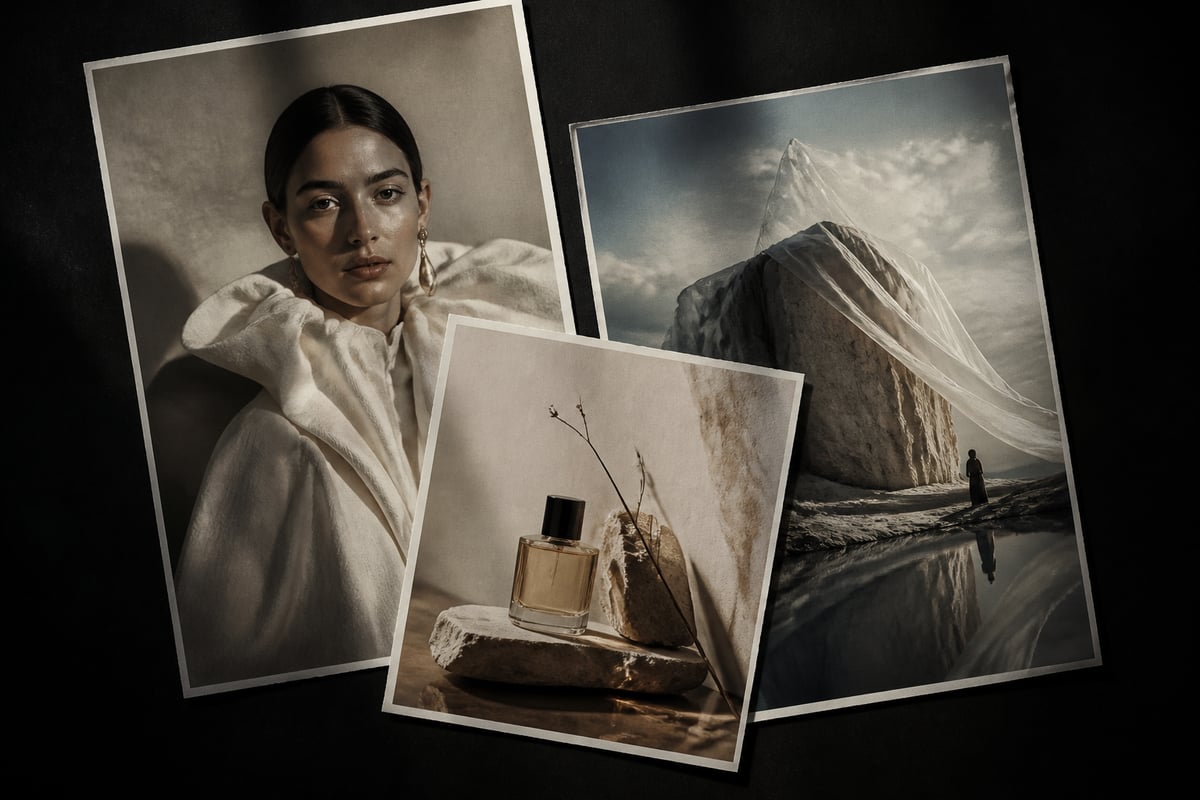
AI Video
STEP 01
Choose a category & model
Start with drawing, chat, music, or video. Open a product page to understand capabilities, then pick the model that fits your task.
BaBawu Ai
世界最高峰のAIモデルを集約
Pick models by deliverable—covers, product shots, copy, BGM, and finished clips—then open the matching product page
Midjourney Image
High-CTR vertical covers and title visuals for short-video platforms
Learn & useGPT Image 2
Product shots, promo heroes, and lifestyle scenes—iterate fast
Learn & useNano Banana 2
Campaign posters, infographics, and brand visuals with steadier typography
Learn & useDeepSeek V4 Flash
Talking-head scripts, outlines, and prompt polishing in chat
Learn & useClaude Sonnet 5
Long-doc rewrite, coding help, and complex reasoning
Learn & useSuno 5.5
Energetic or light scores with vocals—describe the vibe and generate
Learn & useSuno 5.5
Channel openers and bumper-style tracks to set the tone quickly
Learn & useSeedance 2.0
Text-to-video and image-to-video—turn static ideas into finished motion
Learn & useDrawing, chat, music, and video—from idea to finished clip in one browser
AI Drawing
Use Midjourney, GPT Image 2, and Nano Banana online for short-video covers, commerce heroes, posters, and concepts—open your browser and iterate, no client download.
AI Chat
DeepSeek, Claude, GPT, Gemini, and Grok in one place. Scripts, outlines, prompt polishing, and coding help—switch models by task and refine as you chat.
AI Music
Use Suno online: describe a vibe or paste lyrics to generate vocals-ready songs. Ideal for short-video BGM, ads, podcast intros, and originals.
AI Video
Seedance, Kling, and Veo online. Generate ad shots, product demos, and short-form motion from text or references—then pair with covers and music.
Frequently chosen drawing, chat, music, and video models—short pitches to product pages
Discover MoreStrong art direction for covers and concepts
詳しく見るCommerce heroes and multi-language text
詳しく見るFast generation for high-volume iteration
詳しく見るStrong value for Chinese writing and reasoning
詳しく見るSteady long-form writing and coding
詳しく見るGeneral assistant for everyday creative work
詳しく見るFast Q&A and coding with a live feel
詳しく見るVocals-ready tracks for short-video BGM
詳しく見るText/image-to-video entry for finished clips
詳しく見る人気AIモデルの選び方とオンライン活用を長文でわかりやすく解説

「AIブランドデザイン」「AIビジュアルアイデンティティ」「AIキービジュアル」「ブランドident」「スローガンAI」「オンラインAI生成」などの検索意図向けに、BaBawu AiでClaude / DeepSeek / GPTによるブランド言語、Midjourney / GPT Image 2.5 / Nano Bananaによるキービジュアル、Seedance / Kling / Veoによるモーションident、Sunoによるソニックidentの作り方を解説。コピー可能なレシピとキーワードルーティング付き。

「AI講座制作」「AIスライド」「有料講座脚本」「AI解説動画」「講座カバーAI」「オンラインAI生成」などの検索意図向けに、BaBawu AiでClaude / DeepSeek / GPTによる単回脚本、GPT Image 2.5 / Midjourney / Nano Bananaによるスライドと表紙、Seedance / Kling / Veoによる解説ショート、Sunoによるイントロを解説。コピー可能なレシピとキーワードルーティング付き。

「AIショート動画文案」「AIカバー」「AI SNS運用」「1週間コンテンツスケジュール」「AI一括出稿」「オンラインAI生成」などの検索意図向けに、BaBawu AiでDeepSeek / GPT / Claudeによるフック、Midjourney / GPT Image 2.5 / Nano Bananaによるカバー、Seedance / Kling / Veoによるショート動画、SunoによるBGMの作り方を解説。コピー可能な週次プランとキーワードルーティング付き。
入門からモデル選定まで—オンラインでの AI の使い方を学ぶ
BaBawu Ai のブラウザで GPT Image 2 をオンライン利用する実践ガイド。参照画像、多言語テキスト描画、内蔵推論。クライアント不要。
BaBawu Ai で Google Nano Banana をオンライン利用し、高速画像生成とローカライズ素材での文字描画を活かす方法。
BaBawu Ai で DeepSeek V4 と GPT-5.6 Sol のオンラインチャットを比較し、タスクに合うモデルを選びます。
Fewer signups, fewer switches—finish the full visual-to-video loop in your browser
No client download or API setup—open the workbench and start creating
Drawing, chat, music, and video under one account—pick the best model per task
Script → visuals → soundtrack → clip—four categories on one platform
Selection articles and how-tos link into product pages—learn first, then use online
Three simple steps: pick a model, open the online workbench, generate and iterate—no download required
Models
STEP 01
Start with drawing, chat, music, or video. Open a product page to understand capabilities, then pick the model that fits your task.
Workbench
Prompt
STEP 02
Jump to the online workbench. Enter a prompt or upload references in your browser—no client install needed.
STEP 03
Refine prompts, switch models, or move to the next step (music, video) until the result matches your brief.
Quick answers about the BaBawu Ai online AI creation platform
BaBawu Ai is an all-in-one online AI creation platform with AI drawing, AI chat, AI music, and AI video models. Open your browser and go—no need to sign up for separate clients.
No. All models run in the BaBawu Ai online workbench (app.babawuai.com) in your browser.
Best for short-video covers, commerce heroes, brand posters, and concepts. Models include GPT Image 2, Nano Banana, and Midjourney V8.1—switch by style and speed needs.
Use it for scripting, long-form rewrite, debugging, and prompt craft. Choose among DeepSeek V4, GPT-5.6 Sol, Gemini 3.5 Flash, Claude Opus 4.8, and Grok 4.5 by language, reasoning, or coding needs.
With Suno you can generate vocal tracks and short-video BGM online—also useful for ads and podcast intros. Learn the capabilities on the music product page, then open the music workbench in one click.
Top models across drawing, chat, music, and video. Start from homepage scenarios and the spotlight, then compare on product pages—stills → drawing, writing/coding → chat, soundtrack → music, motion → video.
You can try Seedance 2.0, Kling 3.0, and Google Veo 3 online—covering text-to-video, image-to-video, and common creative workflows.
Pick drawing for still visuals, chat for writing/coding/prompts, music for soundtracks, and video for motion clips. You can also combine them via the homepage scenario workflow.
ダウンロード不要。ブラウザを開いて、今すぐ世界最高峰のAIモデルを体験