

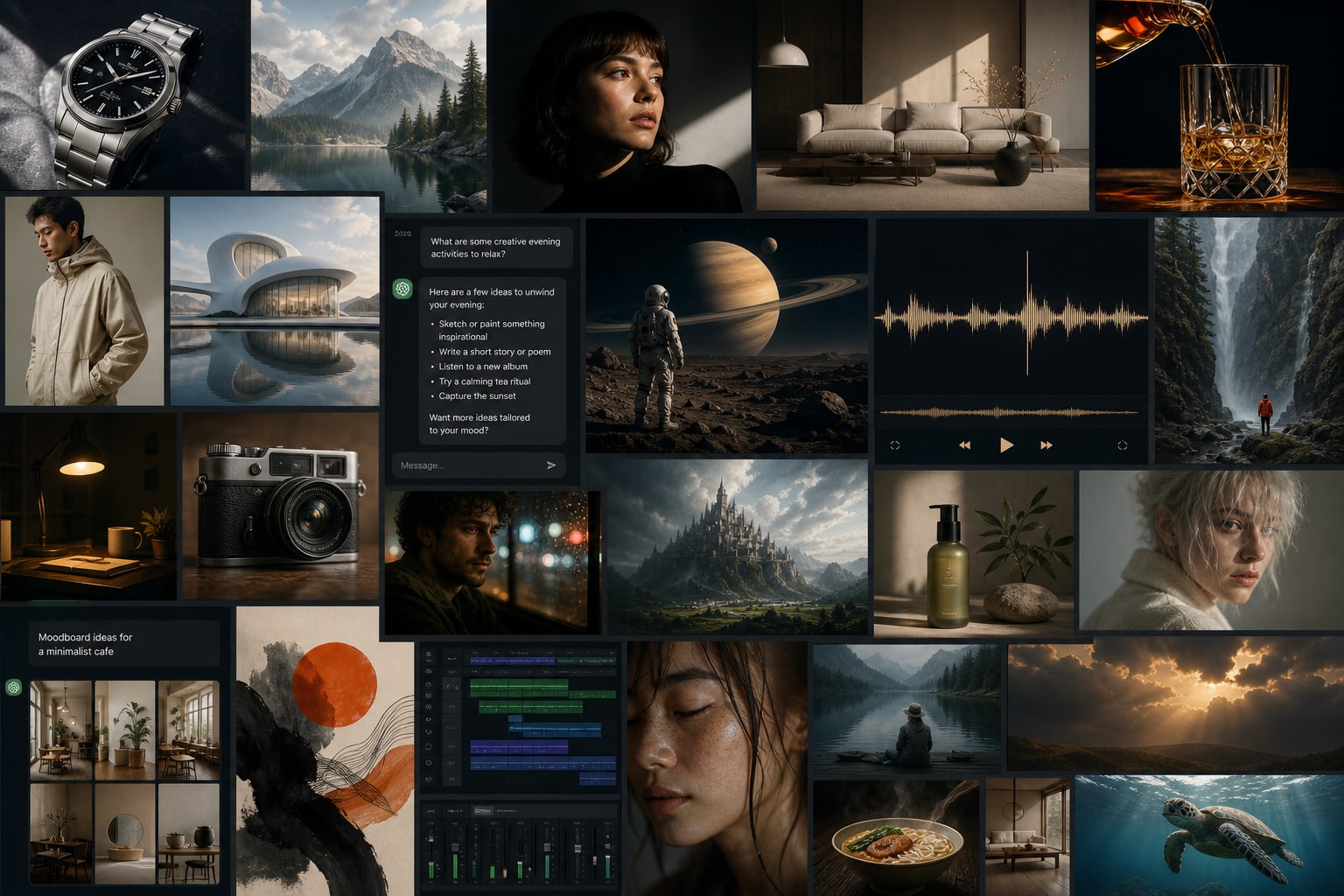


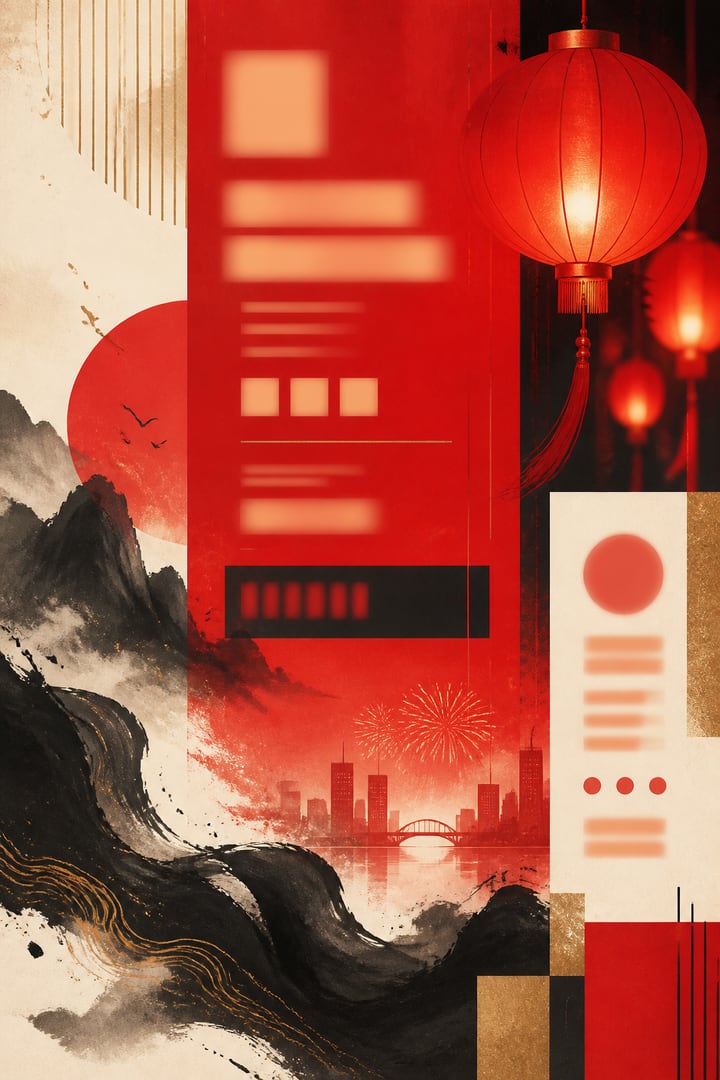



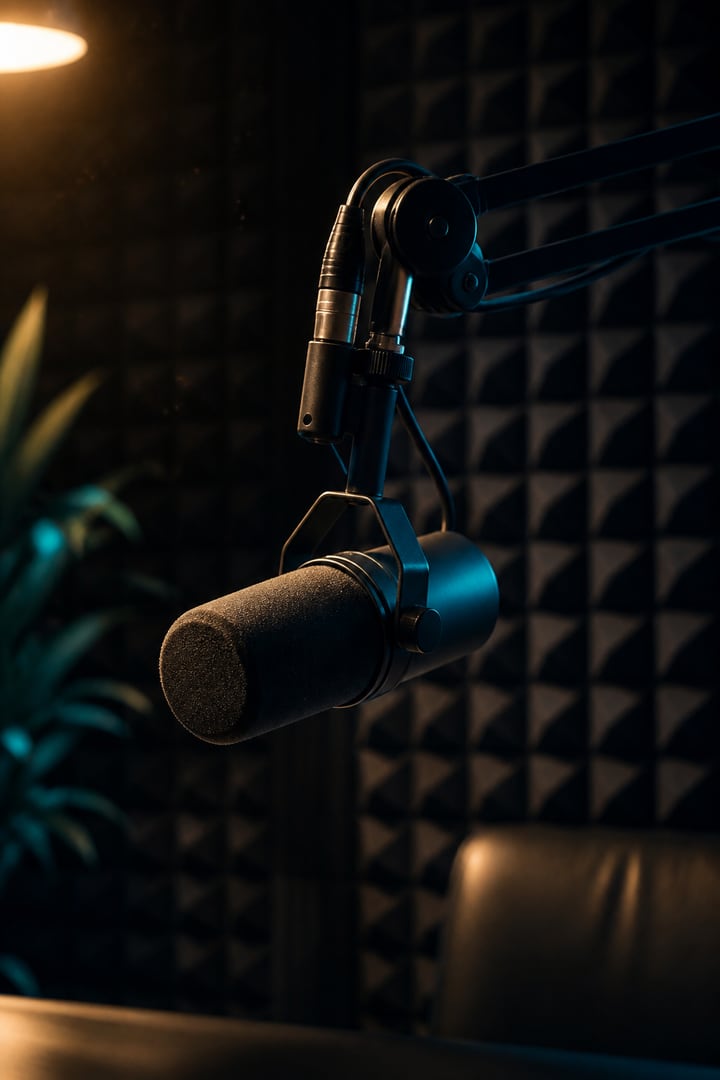

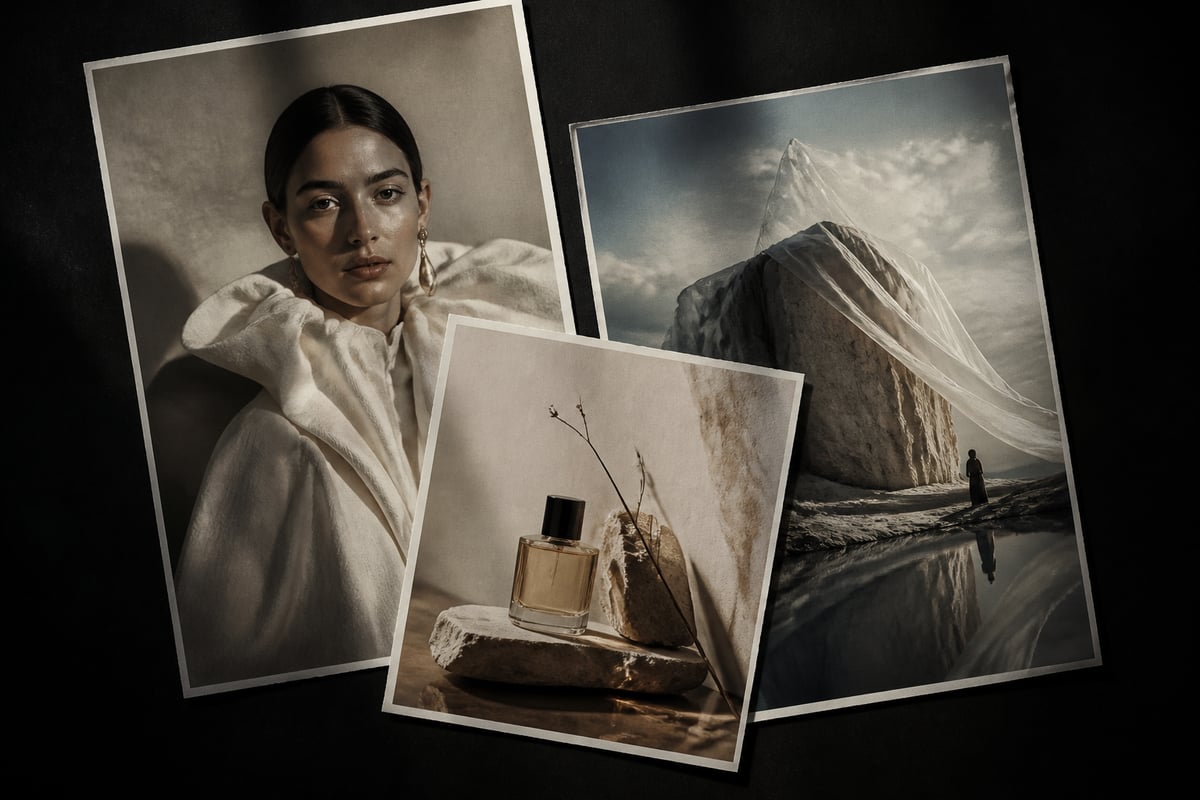






Models
AI Drawing
AI Chat
AI Music
AI Video
STEP 01
Choose a category & model
Start with drawing, chat, music, or video. Open a product page to understand capabilities, then pick the model that fits your task.
BaBawu Ai
전 세계 최고의 AI 모델을 한곳에
Pick models by deliverable—covers, product shots, copy, BGM, and finished clips—then open the matching product page
Midjourney Image
High-CTR vertical covers and title visuals for short-video platforms
Learn & useGPT Image 2
Product shots, promo heroes, and lifestyle scenes—iterate fast
Learn & useNano Banana 2
Campaign posters, infographics, and brand visuals with steadier typography
Learn & useDeepSeek V4 Flash
Talking-head scripts, outlines, and prompt polishing in chat
Learn & useClaude Sonnet 5
Long-doc rewrite, coding help, and complex reasoning
Learn & useSuno 5.5
Energetic or light scores with vocals—describe the vibe and generate
Learn & useSuno 5.5
Channel openers and bumper-style tracks to set the tone quickly
Learn & useSeedance 2.0
Text-to-video and image-to-video—turn static ideas into finished motion
Learn & useDrawing, chat, music, and video—from idea to finished clip in one browser
AI Drawing
Use Midjourney, GPT Image 2, and Nano Banana online for short-video covers, commerce heroes, posters, and concepts—open your browser and iterate, no client download.
AI Chat
DeepSeek, Claude, GPT, Gemini, and Grok in one place. Scripts, outlines, prompt polishing, and coding help—switch models by task and refine as you chat.
AI Music
Use Suno online: describe a vibe or paste lyrics to generate vocals-ready songs. Ideal for short-video BGM, ads, podcast intros, and originals.
AI Video
Seedance, Kling, and Veo online. Generate ad shots, product demos, and short-form motion from text or references—then pair with covers and music.
Frequently chosen drawing, chat, music, and video models—short pitches to product pages
Discover MoreStrong art direction for covers and concepts
자세히 알아보기Commerce heroes and multi-language text
자세히 알아보기Fast generation for high-volume iteration
자세히 알아보기Strong value for Chinese writing and reasoning
자세히 알아보기Steady long-form writing and coding
자세히 알아보기General assistant for everyday creative work
자세히 알아보기Fast Q&A and coding with a live feel
자세히 알아보기Vocals-ready tracks for short-video BGM
자세히 알아보기Text/image-to-video entry for finished clips
자세히 알아보기인기 AI 모델을 어떻게 고르고 온라인으로 쓰는지 장문으로 풀어드립니다

「AI 브랜드 디자인」「AI 비주얼 아이덴티티」「AI 키 비주얼」「브랜드 ident」「슬로건 AI」「온라인 AI 생성」 등 검색 의도에 맞춰, BaBawu Ai에서 Claude / DeepSeek / GPT로 브랜드 언어를 쓰고, Midjourney / GPT Image 2.5 / Nano Banana로 키 비주얼을, Seedance / Kling / Veo로 모션 ident를, Suno로 소닉 ident를 만드는 방법—복사 가능한 레시피와 키워드 라우팅 포함.

「AI 강의 제작」「AI 슬라이드」「유료 강의 스크립트」「AI 해설 영상」「강의 커버 AI」「온라인 AI 생성」 등 검색 의도에 맞춰 BaBawu Ai에서 Claude / DeepSeek / GPT로 단회 스크립트, GPT Image 2.5 / Midjourney / Nano Banana로 슬라이드와 표지, Seedance / Kling / Veo로 해설 숏폼, Suno로 인트로를 만드는 방법을 설명합니다. 복사 가능한 레시피와 키워드 라우팅 포함.

「AI 숏폼 영상 카피」「AI 커버」「AI SNS 운영」「1주 콘텐츠 스케줄」「AI 일괄 출고」「온라인 AI 생성」 등 검색 의도에 맞춰 BaBawu Ai에서 DeepSeek / GPT / Claude로 훅, Midjourney / GPT Image 2.5 / Nano Banana로 커버, Seedance / Kling / Veo로 숏폼, Suno로 BGM을 만드는 방법을 설명합니다. 복사 가능한 주간 계획과 키워드 라우팅 포함.
입문부터 모델 선택까지—온라인 AI 사용법을 배우세요
BaBawu Ai 브라우저에서 GPT Image 2를 온라인으로 사용하는 실용 가이드—참조 이미지, 다국어 텍스트 렌더링, 내장 추론, 클라이언트 설치 불필요.
BaBawu Ai에서 Google Nano Banana를 온라인으로 사용해 빠른 이미지 생성과 로컬라이즈 크리에이티브의 텍스트 렌더링을 활용하는 방법.
BaBawu Ai에서 DeepSeek V4와 GPT-5.6 Sol 온라인 채팅을 비교하고 작업에 맞는 모델을 고르세요.
Fewer signups, fewer switches—finish the full visual-to-video loop in your browser
No client download or API setup—open the workbench and start creating
Drawing, chat, music, and video under one account—pick the best model per task
Script → visuals → soundtrack → clip—four categories on one platform
Selection articles and how-tos link into product pages—learn first, then use online
Three simple steps: pick a model, open the online workbench, generate and iterate—no download required
Models
STEP 01
Start with drawing, chat, music, or video. Open a product page to understand capabilities, then pick the model that fits your task.
Workbench
Prompt
STEP 02
Jump to the online workbench. Enter a prompt or upload references in your browser—no client install needed.
STEP 03
Refine prompts, switch models, or move to the next step (music, video) until the result matches your brief.
Quick answers about the BaBawu Ai online AI creation platform
BaBawu Ai is an all-in-one online AI creation platform with AI drawing, AI chat, AI music, and AI video models. Open your browser and go—no need to sign up for separate clients.
No. All models run in the BaBawu Ai online workbench (app.babawuai.com) in your browser.
Best for short-video covers, commerce heroes, brand posters, and concepts. Models include GPT Image 2, Nano Banana, and Midjourney V8.1—switch by style and speed needs.
Use it for scripting, long-form rewrite, debugging, and prompt craft. Choose among DeepSeek V4, GPT-5.6 Sol, Gemini 3.5 Flash, Claude Opus 4.8, and Grok 4.5 by language, reasoning, or coding needs.
With Suno you can generate vocal tracks and short-video BGM online—also useful for ads and podcast intros. Learn the capabilities on the music product page, then open the music workbench in one click.
Top models across drawing, chat, music, and video. Start from homepage scenarios and the spotlight, then compare on product pages—stills → drawing, writing/coding → chat, soundtrack → music, motion → video.
You can try Seedance 2.0, Kling 3.0, and Google Veo 3 online—covering text-to-video, image-to-video, and common creative workflows.
Pick drawing for still visuals, chat for writing/coding/prompts, music for soundtracks, and video for motion clips. You can also combine them via the homepage scenario workflow.
다운로드 없이 브라우저를 열고 전 세계 최고의 AI 모델을 바로 체험해 보세요